Expert Advice on Hospitality Topics

Actual vs. Theoretical Beverage Cost: Explain the Gap

Posted by Nick Kaoukis on Mon, Oct, 19, 2026 @ 11:10 AM
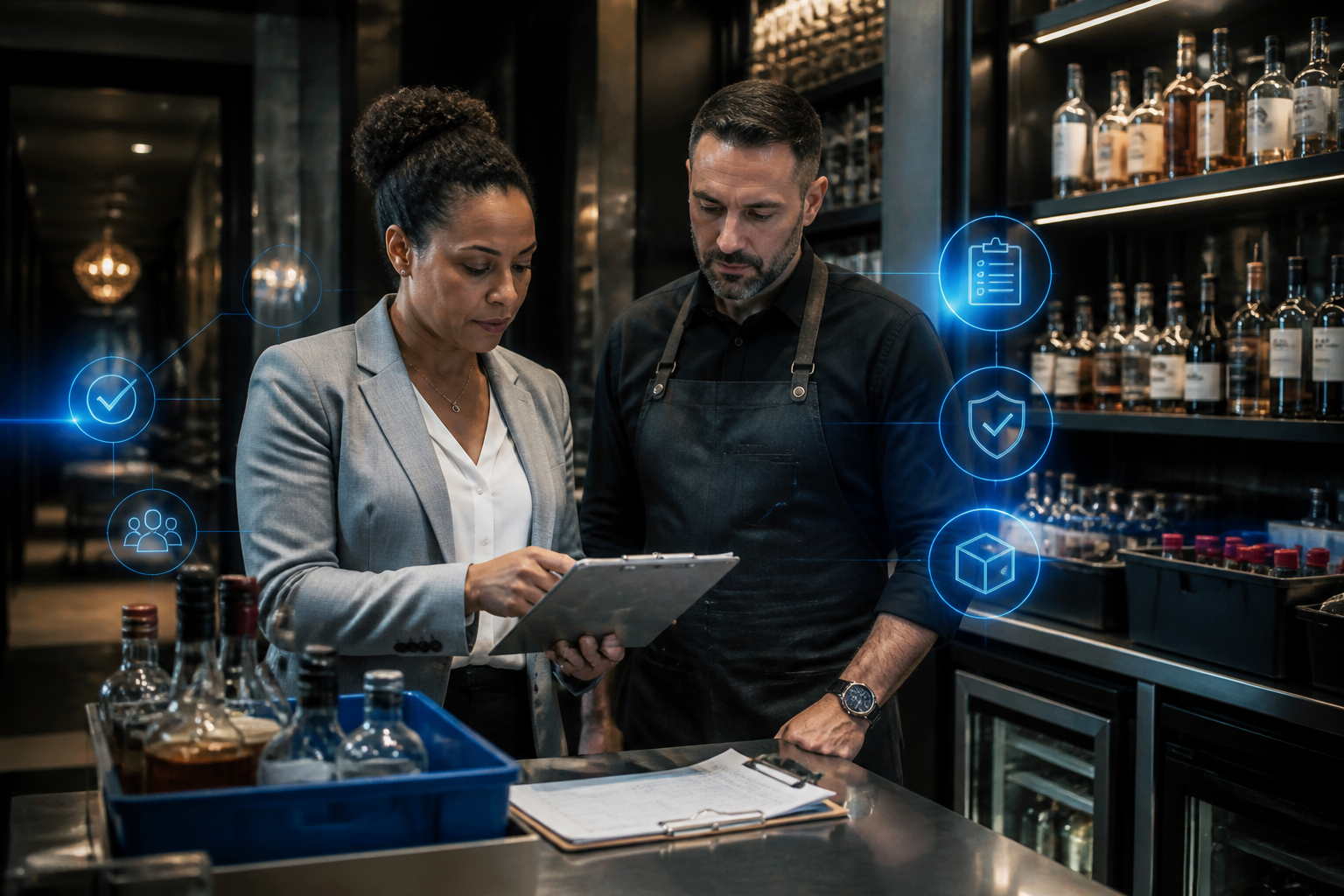
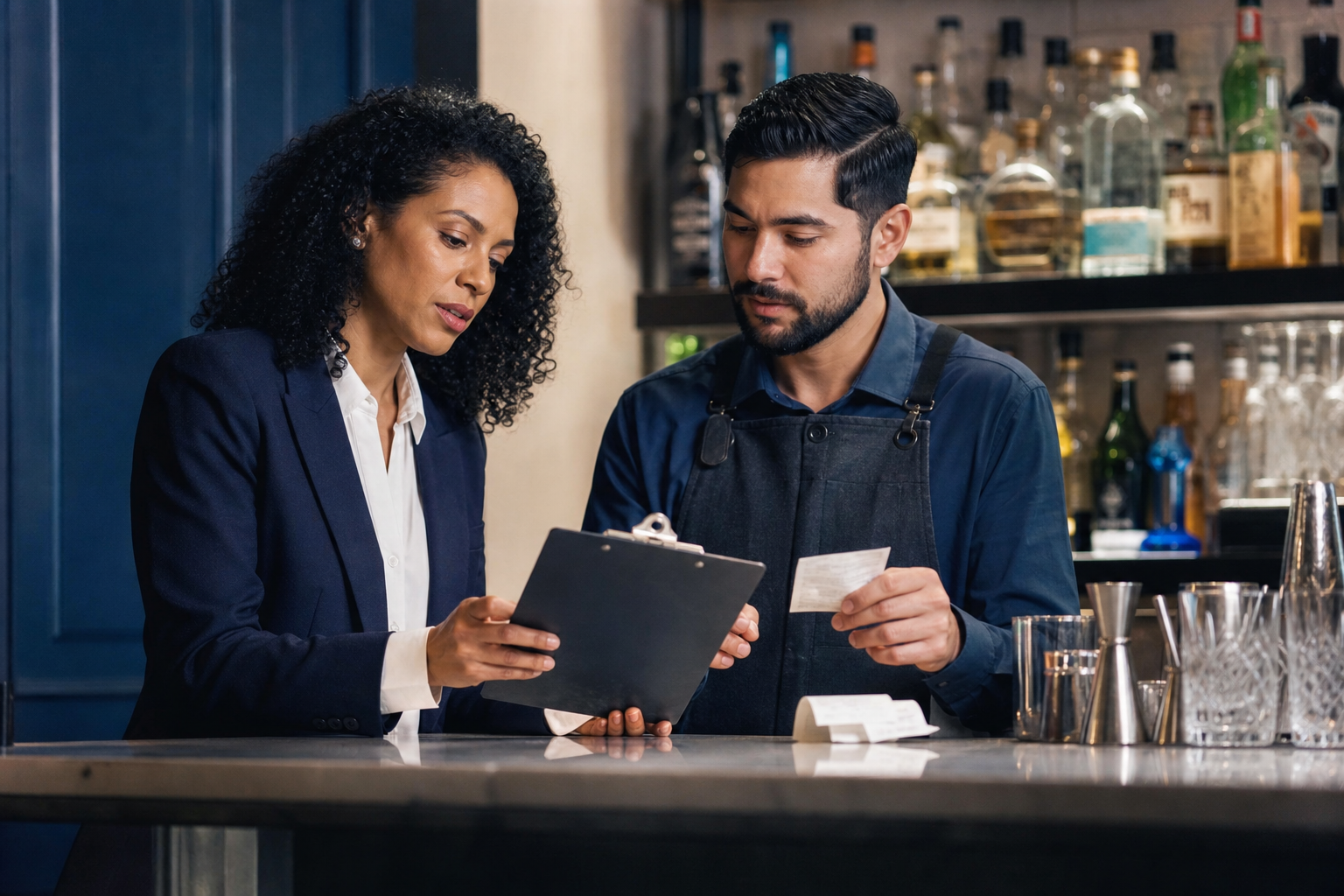
Hospitality manager and bartender reviewing cost records together at a bar counter
Illustrative AI-generated image of a collaborative beverage cost review.

Actual beverage cost measures the value of inventory consumed. Theoretical beverage cost estimates what recorded sales should have consumed at standard recipe quantities and ingredient costs. The difference is variance, and it needs reconciliation before you can identify the cause.

A high gap can reflect waste, portions, receiving errors, incorrect recipe mapping, or unauthorized use. Scannabar supports beverage inventory control with bottle-level counts and reporting that help you inspect the records behind the number.

For the counting and stock-movement controls behind a reliable variance review, see our liquor inventory and cost-control guide.

Key Takeaways: Understand Beverage Cost Variance

  • Theoretical beverage cost is expected ingredient consumption based on recorded sales, standard recipes, and a consistent cost basis.
  • Actual beverage cost comes from stock counts and movements, including purchases, supplier returns, and transfers within your reporting scope.
  • Compare the same dates, locations, categories, and ingredient coverage before calculating a dollar gap or percentage-point difference.
  • Scannabar supports bottle-level counts and usage reports so you can investigate specific products rather than only a blended cost ratio.
  • Reconcile errors and documented non-sale use first; unexplained variance is an investigation signal, not proof of misconduct by staff.

What Is Theoretical Beverage Cost?

Theoretical beverage cost is the expected cost of ingredients used for recorded sales. Multiply each drink's standard recipe cost by its quantity sold, then sum the results.

Cost every included ingredient using consistent quantities and unit prices. If you include mixers and garnishes in the theoretical figure, include their consumption in actual cost too. Dry goods tracking helps maintain that broader scope.

Divide theoretical cost by matching net sales to calculate its percentage. This sales-based baseline excludes waste and complimentary use unless you explicitly add those to an adjusted expected-usage measure.

What Is Actual Beverage Cost?

Actual beverage cost is inventory-derived consumption value for the period. It includes product sold, waste, complimentary use, and unexplained depletion. Counting and recording errors can also distort the figure.

Actual cost = Opening stock + Purchases + Transfers in − Transfers out − Supplier returns − Closing stock. Use values at cost and avoid deducting a return twice if purchases are already net of credits.

Scannabar's liquor inventory system supports the bottle-level measurements that feed this calculation. Purchases by themselves are not consumption.

Calculate Theoretical Cost From Recipes and Sales

Calculate each recipe's ingredient cost, multiply it by the recorded sales count, and add the item totals. Maintain recipe quantities and POS mappings so the expectation reflects the menu you serve.

For an illustrative drink costing $1.20 in ingredients and sold 300 times, theoretical cost is $360. Repeat that calculation across every item within scope.

Review portion consistency when the written recipe differs from the actual standard. An outdated recipe card creates apparent variance before any loss occurs.

Worked Example: Compare Expected and Actual Cost

This hypothetical two-week example uses $38,000 in net beverage sales. Recipe costs multiplied by sales counts total $8,400. Opening inventory is $12,500, purchases are $9,800, transfers out are $200, and closing stock is $11,500. There are no transfers in or returns.

Illustrative actual versus theoretical cost comparison
MeasureTheoreticalActualDifference
Cost$8,400$10,600$2,200
Share of $38,000 sales22.11%27.89%5.79 percentage points

Actual cost is $12,500 + $9,800 − $200 − $11,500 = $10,600. The gap is $2,200. The percentage-point difference uses unrounded ratios: $2,200 ÷ $38,000 × 100 = 5.79. Independently rounded displayed percentages may differ by 0.01.

This is total variance, not necessarily unexplained loss. Reconcile documented waste, complimentary servings, recipe errors, and cost differences before calculating the residual. Product-level reports help organize that work.

Match the Scope Before Interpreting the Gap

Both cost figures must cover the same dates, locations, categories, and ingredient costs. A spirits-only actual figure cannot be compared with theoretical costs that include wine, mixers, and garnishes.

Keep wine inventory within its defined category and reconcile internal transfers. At property level, internal movements cancel; at outlet level, they must be recorded on both sides.

A negative gap also needs review. It can reflect under-portions, inflated recipe costs, omitted purchases, or incorrect counts. Do not assume a lower actual result proves tighter operations.

Investigate the Gap Before Assigning Blame

Investigate records, documented non-sale use, and portions before drawing conclusions about theft. The cost ratio tells you how much needs explaining, not who caused it.

Check Receiving and Recipe Records

Reconcile invoices, credits, transfers, count boundaries, and POS recipe mappings. Duplicate purchases or missing closing stock can inflate usage. Follow a consistent audit routine so each review checks the same inputs.

Reconcile Waste and Complimentary Servings

Log spills, breakage, returned drinks, tastings, and approved complimentary servings. These explain consumption without ordinary sales revenue. Separate documented use from the remaining gap rather than describing every non-sale pour as unauthorized.

Verify Portions and Counting Methods

Compare actual serving practice with recipe quantities. Review your counting procedure when partial measurements vary. Both recipe drift and measurement differences can resemble missing stock.

Review Remaining Unexplained Patterns

Investigate persistent item or location discrepancies using records and operational evidence. Variance reduction should address the verified cause, not punish a team based on a blended percentage.

How Scannabar Supports Evidence-Based Reviews

Scannabar provides bottle-level counting, POS reconciliation, and usage reporting by product and outlet. Those inputs help you move from a broad ratio to specific discrepancies that can be checked against receiving and movement records.

Use inventory accountability to protect staff from false accusations and make reviews repeatable. Frequent counts narrow the period you need to investigate without proving individual responsibility.

Cheryl Stanley, Senior Lecturer at Cornell's Nolan School of Hotel Administration, covers the role of controls in her beverage program course. Reliable records and corrective action belong together.

Conclusion: Explain the Variance Before Acting

Match the cost basis, measure both sides, and reconcile legitimate non-sale use. Then investigate what remains. The value of actual-versus-theoretical reporting comes from the process change it supports, not from producing a percentage alone.

FAQs About Actual and Theoretical Beverage Cost

Is there a universal acceptable variance?

No. Acceptable differences depend on your measurement method, ingredients, documented waste, and operating context. Scannabar's usage reports help you establish a consistent baseline, but review the residual unexplained gap rather than borrowing a threshold that does not match your calculation.

Can recipe mistakes create variance?

Yes. Incorrect quantities, costs, or POS mappings change the theoretical expectation even when physical stock is accurate. Scannabar's counts support the actual side of the comparison. Check recipe inputs and sales mappings before treating the difference as lost inventory.

How frequently should you compare the two costs?

A weekly comparison is a useful starting point for active beverage operations when reliable counts are available. Scannabar's counting workflow supports frequent reviews. Choose consistent boundaries and retain the movement records that make each period's result explainable.

Topics: Restaurant Inventory, Scannabar Inventory system, Best Bar Inventory app, Best Liquor Inventory app, Scannabar inventory app, Resaurant Inventory app, Restaurant Inventory app, Scannabar Inventory Software

Bar Inventory Spreadsheet: Fields, Formulas, and Examples

Posted by Nick Kaoukis on Thu, Oct, 15, 2026 @ 15:10 PM
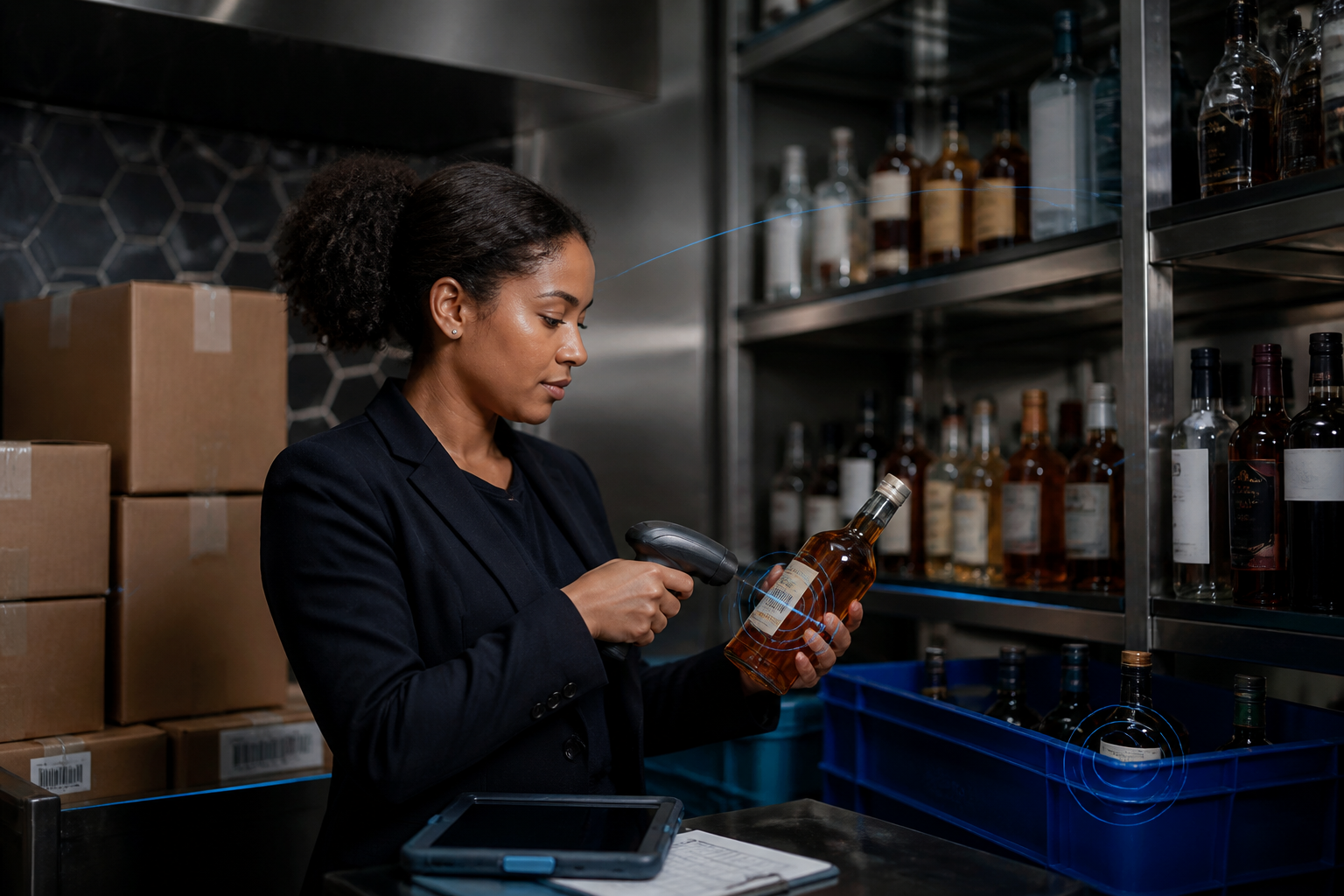
Spirit bottles, inventory clipboard, calculator, and pen arranged on a tidy bar counter
Illustrative AI-generated image of a bar inventory workspace.

A bar inventory spreadsheet records products, quantities, units, locations, and costs so you can calculate stock value and usage. Separate receiving, transfer, and waste logs explain movements that a closing count alone cannot.

A missing transfer can make one outlet look short while another looks overstocked. That error can trigger unnecessary purchasing or an unjustified accusation against staff. Your spreadsheet should expose the difference between documented movement and unexplained depletion.

Scannabar supports bar inventory control when you need bottle-level tracking and reporting beyond a spreadsheet. The worksheet below explains the data discipline either approach requires.

For the receiving, counting, and cost-review process this worksheet supports, see our liquor inventory and cost-control guide.

Key Takeaways: Build a Reliable Inventory Worksheet

  • Record product identity, bottle size, counting unit, location, quantity, and cost so every calculation uses a consistent basis.
  • Separate inventory snapshots from receiving, transfer, return, and waste records to keep stock movements visible and auditable.
  • Calculate usage from opening stock, receipts, transfers, returns, and closing stock; do not treat purchases alone as consumption.
  • Scannabar provides bottle-level counting and usage reporting when multi-location tracking or spreadsheet reconciliation requires more structured inventory workflows.
  • Protect formulas, standardize partial-bottle measurements, and reconcile discrepancies before interpreting a worksheet shortage as evidence of theft or waste.

What Should a Bar Inventory Spreadsheet Track?

Your count sheet should identify each product and its cost basis without relying on memory. Use one row per product and location, with consistent units throughout the period.

Include SKU, product name, bottle size, location, counting unit, beginning quantity, ending quantity, unit cost, and count date. Keep 750 mL and 1 L bottles separate even when the brand is identical.

For partial bottles, document the measurement method and train counters to apply it consistently. Compare inventory methods before choosing your procedure.

Keep Receiving and Stock Movement Records Separate

Separate movement logs explain how stock entered or left each reporting location. They also make duplicate invoices, missing transfers, and supplier returns easier to reconcile.

Your receiving tab should include date, supplier, invoice, product, quantity, unit, and cost. A transfer tab should include origin, destination, quantity, and approval. Returns need their own documented adjustment so they are deducted once.

Your waste and complimentary-use log should capture date, item, quantity, reason, and approval. Documenting these events supports variance reviews without treating every non-sale pour as misconduct.

Calculate Stock Value and Usage Consistently

Stock value equals quantity on hand multiplied by unit cost. Usage includes all stock available during the period, less stock returned, transferred out, or still on hand.

Usage units = Beginning quantity + Receipts + Transfers in − Transfers out − Supplier returns − Ending quantity.

Closing value = Ending quantity × Unit cost. For a constant-cost example, usage cost equals usage units times unit cost. If costs change, follow a consistent valuation policy agreed with your accountant rather than silently replacing historical values.

Usage reports organize these outputs. Keep documented waste inside total physical usage; subtract it only when calculating the remaining unexplained variance, or you will hide actual consumption.

Illustrative Spreadsheet Example

This hypothetical table uses bottle-equivalent units and constant unit costs. It assumes no transfers or returns. The receipt and count values below are illustrative, not supplier pricing or performance claims.

Sample inventory worksheet using bottle equivalents
ProductSizeOpeningReceiptsClosingUsageUnit costUsage costClosing value
House vodka1 L8.06.05.38.7$20$174$106
House gin1 L4.03.03.63.4$22$74.80$79.20
Total$248.80$185.20

If matching net sales for these products were $1,000, the cost ratio would be 24.88%. In a spreadsheet, enter usage cost divided by matching sales and format the cell as a percentage. Do not multiply by 100 and then apply percentage formatting again.

Prevent Unit and Partial-Bottle Errors

Consistent units prevent quantity errors from flowing into every cost calculation. Record whether an entry means bottles, cases, ounces, or milliliters, and reject incompatible entries.

A three-case receipt is not three bottles. Convert receipts to the counting unit before calculating usage. Keep packaged beer and keg units explicit rather than treating every item as a spirit bottle.

For wine inventory, separate unopened bottles from open-bottle quantities. Record each location so a cellar-to-service transfer does not appear to be a sale.

Protect the Worksheet and Reconcile It Regularly

Protect formula cells, keep dated count snapshots, and limit changes to approved inputs. Freeze headers and use validation rules for units, locations, and product names.

Save each period's counts before starting another. Reconcile receiving against invoices, transfers between both locations, and portion standards against recipe expectations.

Cheryl Stanley, Senior Lecturer at Cornell's Nolan School of Hotel Administration, includes rigorous controls in her beverage program course. A worksheet supports that discipline; it cannot replace it.

When Should You Move Beyond a Spreadsheet?

Consider a more structured system when counts are delayed, multiple editors overwrite records, or location reconciliation absorbs too much staff time. There is no universal SKU count or revenue threshold that determines the switch.

Scannabar's liquor inventory software supports bottle-level counts, usage analysis, and outlet reporting. Review how those workflows fit your receiving and transfer procedures rather than assuming software will correct missing records automatically.

A repeatable beverage audit helps identify the step that is failing. Use inventory accountability to make the process easier for staff and protect them from unsupported accusations.

Conclusion: Make Every Inventory Number Traceable

A useful spreadsheet connects quantities with units, costs, locations, and documented movements. Build that foundation first. When version control or reconciliation becomes unreliable, evaluate a system that keeps those records connected rather than adding more disconnected tabs.

FAQs About Bar Inventory Spreadsheets

Can a spreadsheet calculate theoretical usage?

Yes, if you maintain recipe quantities and matching POS item counts. Multiply each ingredient quantity by the number of drinks sold. Scannabar's usage reports support comparison with physical depletion, but the recipe mapping and documented non-sale usage still need to be accurate.

Should documented waste be removed from usage cost?

No. Waste is product consumed without a sale, so it remains in actual usage cost. Deduct documented waste when reconciling unexplained usage, not when measuring total consumption. Scannabar's reports support the review when your waste and movement records are kept consistently.

Can inventory software replace the need for stock counts?

No. Your inventory records need reliable physical observations and movement entries. Scannabar supports bottle-level measurement and reporting, but the team still needs a documented counting routine. Software organizes the workflow; it does not make missing or inconsistent inputs trustworthy.

Topics: Bar inventory, Hotel Inventory, Food Costs, Bar Management, Liquor cost, Liquor Inventory savings, Cruise ship bar inventory, Country Club Liquor Inventory, Scannabar inventory app

What Is a Good Liquor Cost Percentage for Your Bar?

Posted by Nick Kaoukis on Mon, Oct, 12, 2026 @ 15:10 PM
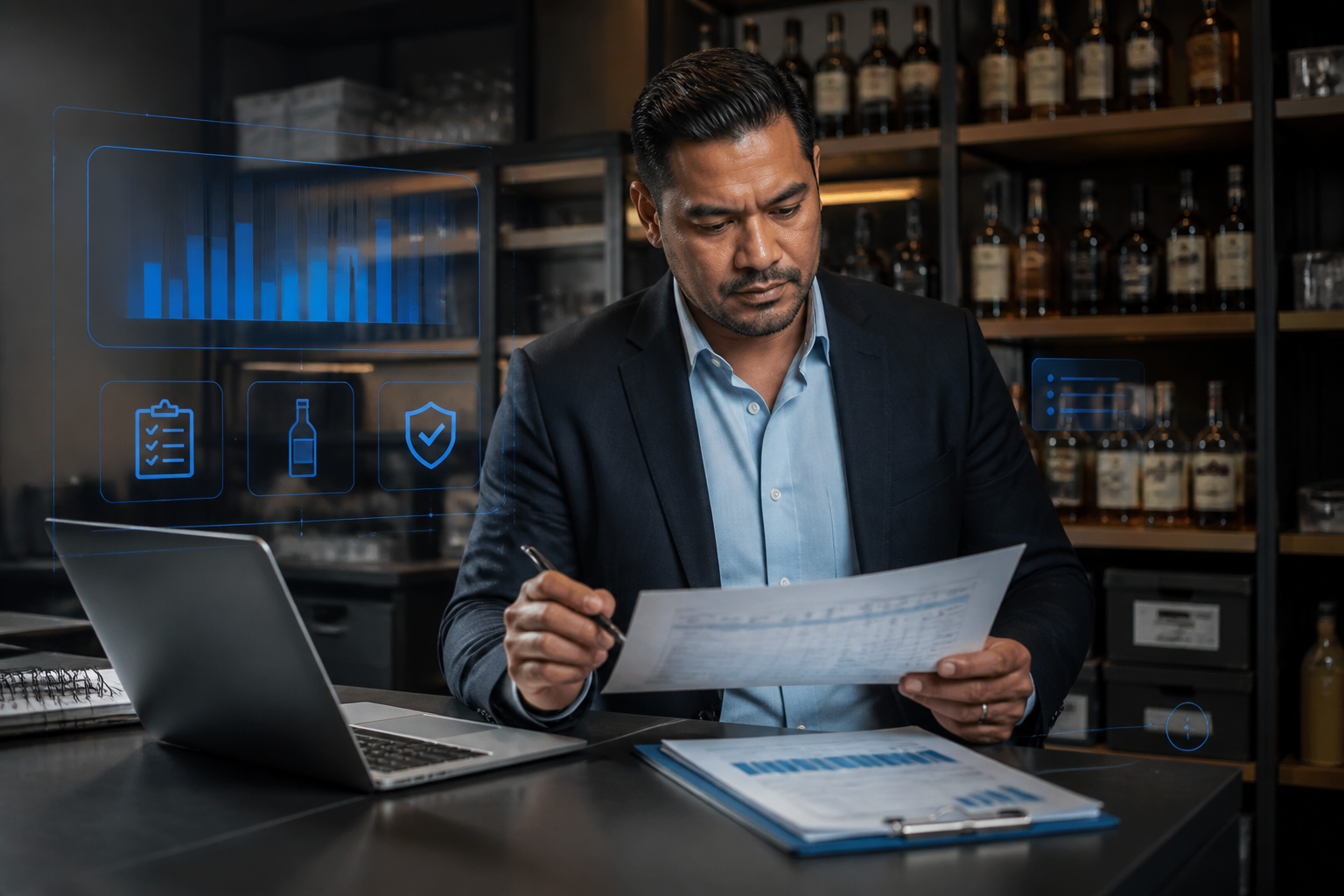
Bartender measuring a cocktail ingredient with a jigger at a professional bar
Illustrative AI-generated image of consistent drink preparation.

A good liquor cost percentage is a target your own recipes, purchase costs, and selling prices can support. There is no single percentage that establishes whether every bar is operating well. A spirits-focused venue and a wine-led restaurant can have different cost ratios and both produce healthy gross profit.

Your liquor inventory control should connect that target with measured consumption. Scannabar helps you review the stock and usage data behind the result, rather than treating a published average as a diagnosis.

To connect cost targets with counts, purchasing, and variance reviews, see our liquor inventory and cost-control guide.

Key Takeaways: Set a Useful Liquor Cost Target

  • Liquor cost percentage compares product consumed with matching sales revenue; purchases alone do not establish what your bar used.
  • Your recipe costs, selling prices, and revenue mix determine a realistic theoretical target for your own beverage program.
  • Weight category cost ratios by revenue share, not by the number of drinks sold, to calculate a blended target.
  • Scannabar supports inventory counts and usage reporting so you can compare expected consumption with the stock your operation used.
  • Investigate changes in pricing, portions, records, and documented waste before interpreting a higher ratio as unexplained loss or theft.

What Does Liquor Cost Percentage Measure?

Liquor cost percentage measures consumption cost as a share of liquor sales for a defined period. Divide cost used by matching net sales and multiply by 100.

Calculate usage from opening stock plus net purchases and transfers in, minus transfers out and closing stock. Keep all stock values at cost and use a consistent valuation policy. Usage reports organize the inputs, but the reporting scope still needs to match.

An illustrative 22% ratio leaves 78% of sales before labor, rent, and other expenses. That remainder is gross margin, not net profit.

Why Do Liquor Cost Targets Vary by Bar?

Targets vary because ingredient costs, menu prices, and revenue mix vary. A lower cost percentage is not automatically a better business if it comes with lower sales or weaker guest retention.

Separate wine from spirits and beer before reviewing a blended result. Different serving formats and purchasing costs can move the blend even when staff follow every recipe.

Cheryl Stanley, Senior Lecturer at Cornell's Nolan School of Hotel Administration, addresses product selection, pricing, and controls in her beverage management course. Evaluate those decisions together when setting your target.

Set a Target Using Your Own Drink Recipes

Start with current recipe costs divided by net selling prices. A hypothetical drink using $2.80 of ingredients and selling for $14 has a theoretical cost percentage of 20%.

Use actual ingredient quantities, documented bottle sizes, and consistent units. Update costs when supplier prices change. Standard recipes and portion control keep your theoretical baseline connected to the drink served.

Include the same ingredients in actual and theoretical cost. A spirits-only calculation cannot be compared directly with a recipe calculation that also includes mixers and garnishes.

Weight the Target by Revenue Share

A blended target is the sum of each category's cost percentage multiplied by its share of beverage revenue. Weighting by drink counts instead can distort the answer when selling prices differ.

Illustrative revenue-weighted target, not industry benchmarks
CategoryRevenue shareTheoretical costContribution
Spirits50%18%9 percentage points
Beer25%24%6 percentage points
Wine25%32%8 percentage points
Total100%23% blended target23 percentage points

The hypothetical target is 23%. These category figures are examples, not recommended ranges. Track beer stock separately so changes in its revenue share do not hide a spirits discrepancy.

Compare Your Target With Actual Liquor Cost

Compare expected cost with inventory-derived usage over the same dates, categories, and locations. The dollar gap is actual cost minus theoretical cost; the ratio gap is expressed in percentage points.

If hypothetical sales are $20,000, a 23% target implies $4,600 in expected cost. Actual cost of $5,200 produces a 26% ratio and a $600 gap, or three percentage points. Review variance by item to identify what needs reconciliation.

Do not label the entire gap theft. Recorded waste, complimentary drinks, changing costs, count errors, and recipe mapping may explain part or all of it.

Separate Price Changes From Unexplained Usage

Price changes alter recipe cost even if portions stay constant. Unexplained usage is depletion that remains after you reconcile sales, documented non-sale use, and stock movements.

Review invoices first, then count quality and POS recipe mapping. A consistent inventory method helps prevent measurement differences from appearing as operational loss.

Increase review frequency when discrepancies persist. Beverage audits provide a structure for checking the records rather than relying on a single blended percentage.

How Scannabar Supports Margin Reviews

Scannabar's liquor inventory system records bottle-level stock and reconciles usage against POS sales. Product and outlet reporting help you investigate the underlying items rather than only the property-wide average.

Use inventory accountability to protect staff from unsupported accusations. Share the calculation and evidence with your team, then address receiving, recipes, or waste processes according to the findings.

Conclusion: Set a Target Your Bar Can Explain

Your most useful target comes from costed recipes and revenue mix. Recalculate it when those inputs change, and compare it with actual usage consistently. A percentage becomes actionable when you understand the dollars and operating records behind it.

FAQs About Liquor Cost Targets

Can a higher liquor cost percentage still be profitable?

Yes. Profitability depends on gross profit dollars and all operating expenses, not just one cost ratio. Scannabar's usage reporting helps you examine product costs, but labor, occupancy, sales volume, and guest demand also belong in a full profitability review.

How often should you review the target?

Review it when supplier costs, recipes, menu prices, or revenue mix change materially. Scannabar's stock and usage reports support the actual-cost side of that review. Keep the theoretical baseline current so yesterday's costs do not create misleading variance today.

Does a low liquor cost prove inventory is controlled?

No. A low aggregate ratio can hide offsetting errors, under-portions, or category-level discrepancies. Scannabar's product-level reporting helps you inspect those patterns. Pair the financial review with recipe checks and guest-quality standards rather than rewarding the lowest number alone.

Topics: Scannabar Inventory system, Liquor cost, alcohol cost, Reducing Liquor Costs, controling costs, managing liquor costs, Scannabar inventory app, Resaurant Inventory app, Scannabar Inventory Software

How to Build a Hotel Bar Inventory SOP in 7 Steps (2026)

Posted by Nick Kaoukis on Wed, Sep, 23, 2026 @ 13:09 PM

When inventory handling changes from shift to shift, your hotel bar loses control of its margins. One bartender counts by weight, the next estimates by eye, and the third skips the count entirely. The result: shrinkage that nobody can explain. For a hotel doing $800,000 in annual beverage sales, even a 15% loss rate means $120,000 vanishing with no paper trail.

A written bar inventory management SOP removes that ambiguity. It defines who counts, when they count, how they record every bottle, and what happens when the numbers do not match. Scannabar standardizes hotel inventory procedures across every outlet, making the SOP enforceable rather than aspirational.

This guide walks you through seven steps to build a repeatable inventory SOP for your bars, banquet areas, and beverage outlets.

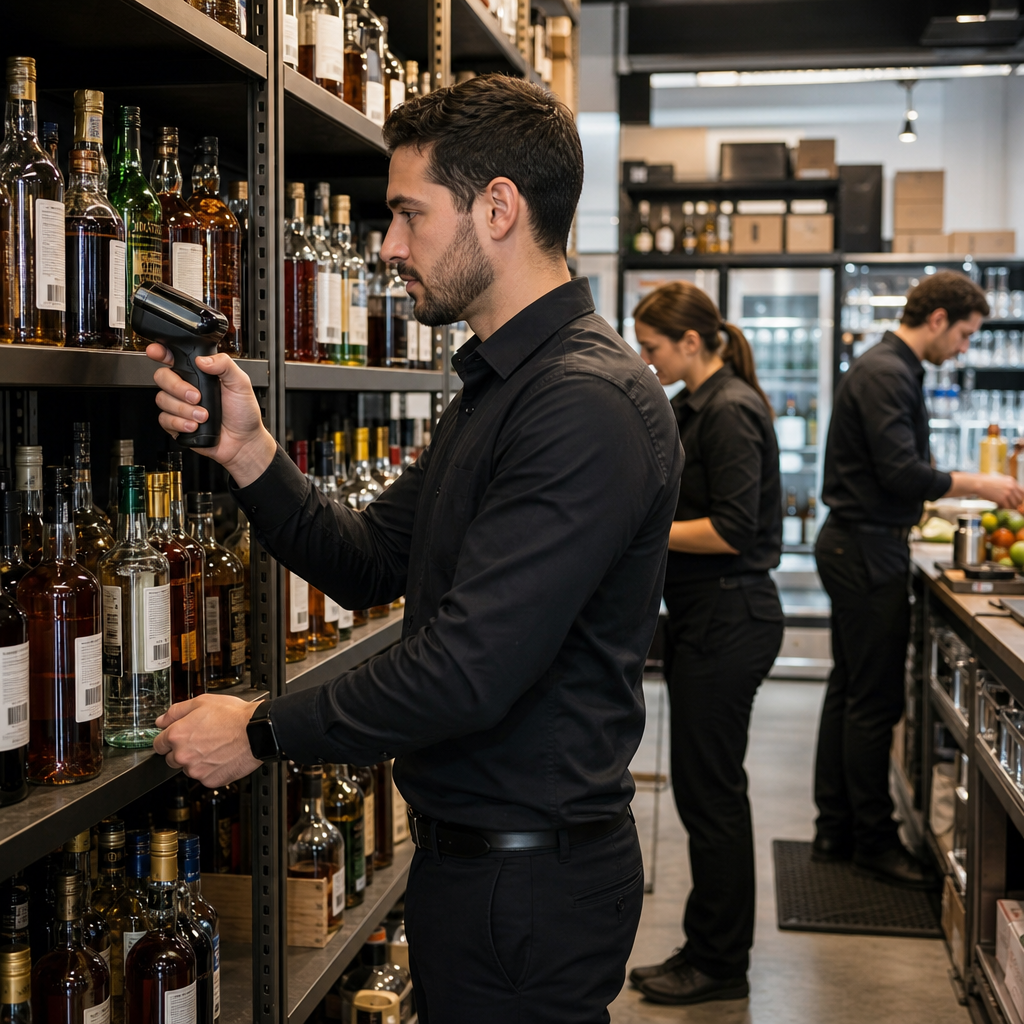
Hospitality manager and bar lead reviewing a hotel bar inventory process beside organized bottles and labels

Quick Guide: How to Build a Hotel Bar Inventory SOP in 7 Easy Steps

  1. Set the scope and count window: Define which outlets, products, and time periods each count covers.
  2. Standardize receiving and delivery checks: Verify every shipment against the purchase order before signing off.
  3. Organize storage and bottle labeling: Assign bin locations and label every bottle for fast, accurate counts.
  4. Define how full and open bottles are counted: Pick one measurement method and apply it to every open container.
  5. Document transfers, breakage, and comps: Log every bottle that moves, breaks, or leaves inventory as a comp.
  6. Reconcile counts against sales and usage: Use Scannabar to compare physical counts with POS data automatically.
  7. Assign ownership, review cadence, and follow-up: Name who runs the process and how often results are reviewed.

How to Build Your Hotel Bar Inventory SOP

1. Set the scope and count window

Your SOP starts by answering three questions: what do you count, where do you count it, and when does each count happen? In a hotel, "what" typically means all liquor, wine, beer, and high-value dry goods across every revenue-producing outlet.

"Where" means naming each location individually: lobby bar, pool bar, restaurant bar, banquet prep area, wine cellar, and any service bar. Lumping outlets together destroys accountability because nobody can trace a variance to a specific room.

Set a fixed count window. Weekly counts for your top 20 highest-value products and monthly counts for everything else is a practical starting point. For a deeper look at weekly inventory benefits, the data is clear. Lock the day and time so the count always happens at the same point in the operating cycle.

2. Standardize receiving and delivery checks

Every SOP needs a receiving protocol that catches errors at the loading dock, not at month-end. When a delivery arrives, one designated person should match every line on the invoice to the actual cases and bottles on the pallet. Short shipments, wrong brands, and damaged goods get flagged before anyone signs off. For more on building a reliable receiving process, the fundamentals apply to every hotel.

Record the receiving data immediately: product name, SKU, quantity received, supplier, and the name of the person who verified the order. If your hotel uses a property management system or an inventory platform, that data should enter the system the same day.

An unverified delivery is an uncontrolled entry point. Shrinkage starts at the loading dock, not behind the bar.

3. Organize storage and bottle labeling

A disorganized storeroom makes every count slower and less accurate. Assign a fixed bin location for each SKU. Group products by category: spirits on one shelf, wines in a designated cooler or cellar, beer and draft supplies in a separate area.

Label every bottle that enters your inventory. Barcode labels are ideal because they remove the need for handwritten tags and eliminate identification errors during counts. Scannabar uses barcode scanning to identify each bottle instantly, so a full count of 120 bottles takes about 15 minutes.

Enforce a first-in, first-out rotation rule. Bottles received first should be pulled first. This prevents dead stock, keeps product fresh, and makes it easier to spot when something goes missing.

Hotel staff member scanning labeled beverage inventory in an organized bar storage area

4. Define how full and open bottles are counted

Sealed bottles are simple: count each unit. Open bottles are where most SOP breakdowns happen. If one person estimates by eye and another uses a ruler, your data will never be consistent enough to detect real variance.

Pick one method and document it in the SOP. Bottle-level measurement using a barcode-enabled scale or ruler provides the most precise data and removes human estimation from the process. Scannabar measures the exact contents of every open bottle, so your variance analysis starts from verified figures rather than rounded guesses.

Whatever method you choose, train every person who touches a count on the same technique. A consistent method with a small margin of error beats an inconsistent one with no margin at all.

5. Document transfers, breakage, and comps

In a hotel, bottles move between outlets constantly. The banquet team borrows vodka from the lobby bar. The pool bar sends leftover wine back to the cellar. Without documentation, those movements create phantom variances that make your data useless.

Build a transfer log into the SOP. Every inter-outlet movement needs a record: the product, the quantity, the origin, the destination, and the name of the person who authorized it. The same log should capture breakage, spoilage, and complimentary pours with a reason code attached.

Unrecorded comps are invisible shrinkage. A simple daily log signed by a manager keeps these losses visible and accountable.

6. Reconcile counts against sales and usage

Counting inventory is only half the process. The SOP must also define how your team compares what you counted against what the POS system says you sold. The difference between the two is your variance, and it tells you where profit is disappearing.

Scannabar automates this reconciliation by pulling sales data directly from your POS and comparing it against physical counts. The resulting variance report breaks down discrepancies by product, outlet, and time period, so your food and beverage director can identify exactly where losses originate.

Without reconciliation, a count is just a number. With it, a count becomes a diagnostic tool.

7. Assign ownership, review cadence, and follow-up

Every SOP needs a named owner. In most hotels, that is the bar manager or the F&B controller. This person is responsible for ensuring the count happens on schedule, the data gets recorded, and variances get investigated.

Set a review cadence. Weekly variance meetings for high-risk items and monthly reviews for the full inventory keep the SOP alive. A process that generates reports nobody reads is a recipe for failure within a quarter.

Define follow-up actions for variance thresholds. If any product exceeds a 3% variance, the SOP should trigger a specific response: re-count, investigate transfers, review POS data, and document findings. That follow-up loop is what turns a written SOP into an operational control system.

What Should a Hotel Bar Inventory SOP Include?

A complete hotel bar inventory SOP should cover six core elements: scope and frequency of counts, receiving and verification procedures, storage and labeling standards, counting methods for both sealed and open containers, transfer and write-off documentation, and a reconciliation and review process.

Each element needs named responsibilities. The SOP should specify who performs each task, who reviews the results, and who has authority to approve write-offs or investigate variances.

Include a training section that defines how new hires learn the process. If the SOP lives only in one manager's head, it breaks the moment that manager calls in sick or transfers to another property.

How Often Should a Hotel Update Its Inventory SOP?

Review your inventory SOP at least twice a year, and update it immediately whenever your operation changes. New outlets, new POS integrations, staff restructuring, and seasonal menu swaps all create gaps in an outdated SOP. According to FSM.How's guide to beverage control, consistent standardization of recipes, measurement, and storage is the foundation of any effective beverage control system.

The review should include a performance check: are variances trending down since the last revision? If not, the SOP itself may need tighter controls on the specific step where losses concentrate.

Assign the SOP review to the same person who owns the weekly count. That person sees the data most frequently and is in the strongest position to identify where the document no longer matches reality.

How Scannabar Helps You Enforce a Hotel Bar Inventory SOP

Hotel food and beverage director reviewing inventory reports and SOP performance near the back bar

Scannabar turns a written SOP into a system your team can execute in minutes rather than hours. The Scannabar Inventory Control System uses barcode scanning to measure the exact contents of every bottle, removing the estimation errors that undermine consistency across shifts and outlets.

Because Scannabar integrates with your POS and property management systems, it automatically reconciles physical counts against sales. Variance reports break down discrepancies by product, outlet, and time period, giving your F&B director the data to act on findings the same week they appear.

Hotels running Scannabar routinely operate at 1% to 3% shrinkage, down from the 20% to 25% industry average. You can read more about lowering beverage costs in hotel environments. The system handles receiving logs, transfer records, and open-bottle measurements inside one platform, so every element of your SOP feeds a single source of truth.

Ready to make your SOP enforceable? Call 1-800-939-8960 to talk to someone who has been building hotel inventory systems since 1998.

FAQs About Hotel Bar Inventory SOPs

What is a hotel bar inventory SOP?

A hotel bar inventory SOP is a written procedure that defines how your team receives, stores, counts, and reconciles beverage inventory across every outlet. It standardizes the process so results are consistent regardless of who runs the count or which shift is on duty.

Who should be responsible for the inventory SOP in a hotel?

The bar manager or F&B controller typically owns the SOP. This person ensures counts happen on schedule, reviews variance data, and initiates follow-up when numbers fall outside acceptable thresholds. Scannabar gives that owner real-time visibility into every count across the property.

How long does it take to implement a bar inventory SOP?

Most hotels can draft and deploy a working SOP within two to four weeks. The timeline depends on the number of outlets, the level of staff training required, and whether you are integrating inventory software. Scannabar reduces counting time by up to 75%, which accelerates adoption.

Can a bar inventory SOP prevent theft?

An SOP creates a culture of accountability that makes theft harder to hide. When every bottle is logged at receiving, tracked through transfers, and measured at each count, unexplained losses surface quickly. Scannabar identifies missing bottles at any location within the property, giving managers the data to investigate gaps before they grow.

How does an inventory SOP differ for hotels with banquet operations?

Hotels with banquets need an SOP that accounts for large-volume transfers between storage and event areas. The SOP should include a pre-event pull sheet, a post-event return count, and a reconciliation step that isolates banquet variance from regular bar operations. This prevents event-driven movement from distorting your day-to-day data.

Topics: Hotel Inventory, liquor purchasing, hotel supplies, purchasing, bar inventory app, Hotel Bar Inventory, Best Liquor Inventory app, Scannabar inventory app, Restaurant Inventory app, hotel staff

Inventory Control for Lean Hospitality Teams in 2026

Posted by Nick Kaoukis on Tue, Sep, 15, 2026 @ 11:09 AM

Hospitality manager using barcode scanning to complete inventory checks with a lean team

Running a hospitality operation with fewer people on the floor changes everything about how you manage inventory. Routine counts get pushed back. Variance goes unnoticed for days. Bottles walk out the door, and nobody catches it until the P&L tells the story weeks later.

Scannabar helps bar, restaurant, and hotel operators tighten inventory control so lean teams can protect margins without adding headcount. This article breaks down why staffing shortages create inventory risk, how the right controls reduce labor drag, and why accountability does not have to mean surveillance.

Key Takeaways: Inventory Control for Lean Hospitality Teams

  • Staffing shortages weaken daily control routines, letting small inventory gaps compound into costly patterns over time.
  • Automated inventory checks reduce the labor hours spent on traditional processes, freeing staff for guest-facing tasks.
  • Standardized processes cut training time during high-turnover periods, keeping new hires productive and accurate faster.
  • Scannabar gives operators real-time variance data across bars, restaurants, and hotels from a single system.
  • Clear inventory records protect honest team members from false accusations and surface problems before they become expensive.

Why Staffing Shortages Create Inventory Risk Fast

When you lose a bartender or a shift manager, the first casualty is process. The nightly count gets skipped. The walk-in cooler check happens every other day instead of daily. Par levels stop getting updated because whoever used to do it is gone.

Those gaps look minor in week one. By week four, you are staring at variance you cannot explain. The National Restaurant Association reports that internal factors account for roughly 75% of restaurant inventory shortages. Short staffing makes that number worse because there are fewer eyes on the product and fewer hands doing the work.

For a bar generating $500,000 in annual beverage revenue, even a 3% undetected variance means $15,000 in losses. When teams are stretched thin, that money walks out the door before anyone realizes it is missing.

How Small Inventory Gaps Turn Into Expensive Patterns

A single missed count is a rounding error. A month of missed counts is a pattern your margins cannot absorb. Over-ordering follows because you are replacing bottles you think were sold but were actually lost to waste, spillage, or theft.

Beyond the direct cost, inaccurate inventory creates a cascade of operational problems. Purchasing decisions rely on bad data. Stockouts hit your best-selling items on the busiest nights. Menu profitability reports become fiction.

A BCG and NYU School of Professional Studies analysis found that 65% of North American hotels reported staffing shortages in 2025, with labor costs rising 11.2% year over year. When labor is both scarce and more expensive, the cost of flying blind on inventory compounds faster than most operators realize.

How Automated Inventory Counts Save Labor Hours

Traditional inventory checks eat hours. A bar manager walking the floor with a clipboard, weighing and tallying partial bottles, can spend three to five hours on a single full count. That is three to five hours pulled away from ordering, training, scheduling, and being present during service.

Barcode scanning technology changes the math. A portable scanner reads each bottle in seconds, captures partial contents using a calibrated ruler, and updates your software instantly. This barcode tracking approach replaces the clipboard-and-spreadsheet routine entirely. One operator reported completing inventory for two restaurants, a nightclub, and exterior bars in roughly one hour with a single Scannabar system.

That time savings compounds every count. If you are counting weekly instead of monthly because the process is fast enough to be practical, you catch variance earlier and correct it before it compounds.

Why Standardized Processes Make Training Easier During Turnover

High turnover remains a fact of life in hospitality. Every departure means onboarding someone new, and every new hire opens a window of vulnerability in your inventory process.

When your bar inventory control relies on one person's memory of where everything is and how counts are done, losing that person means starting from scratch. Standardized, system-driven processes eliminate that single point of failure. Proper staff training paired with a repeatable workflow keeps accuracy high regardless of who is on shift.

Scannabar's barcode-driven workflow means the process is the same for a tenured bar manager and a new hire finishing their first week. Scan the tracking label. Scan the UPC. Measure the contents. The software handles the math. That consistency reduces training time and protects accuracy when your roster is changing fast.

How Variance Reporting Prevents Theft Without Creating a Policing Culture

Theft in hospitality is documented and widespread. The National Restaurant Association estimates that employee theft accounts for about 75% of inventory shortages in U.S. restaurants. That is not a number operators can afford to ignore, especially when short staffing reduces oversight.

But catching theft is different from creating a culture of suspicion. The difference comes down to how you surface discrepancies. Variance reports that compare what your POS says you sold against what your shelves actually hold tell an objective story. No accusations. No gut feelings. Just numbers.

When your inventory control system generates automated variance analysis, you see where the gaps are before they grow into patterns. A bottle that does not reconcile after a Tuesday night shift is a conversation, not an investigation. That distinction matters to staff morale and retention.

Hospitality manager reviewing inventory variance data in a calm, organized bar back area

Why Clear Inventory Records Protect Honest Staff Members

Most of your team is not stealing from you. They show up, pour accurately, and handle product with care. When inventory discrepancies surface without documentation, suspicion falls on everyone, and that is corrosive to morale.

A system that tracks every bottle from delivery to depletion creates a clear chain of custody. Honest employees benefit from that transparency because their work is documented and verifiable. When a variance appears, the data points to where and when it happened, removing speculation and false accusations.

Scannabar builds this kind of accountability by assigning each bottle a unique barcode identity and tracking it through its entire lifecycle. That record protects your staff as much as it protects your profits, creating what effective operations teams call a culture of accountability rather than a blame-heavy environment. You can read more about reducing bar shrinkage with structured tracking.

How Scannabar Supports Broad Hospitality Operations

Inventory control challenges are not limited to standalone bars. Hotel bars managing multiple lounges and banquet stations face the same variance and labor pressures at a larger scale. Multi-unit restaurant groups need standardized processes across locations so that inventory data rolls up into meaningful comparisons.

Scannabar is purpose-built for this range of hospitality operations. Whether you operate one neighborhood bar or a resort with multiple beverage outlets including wine programs, the system provides centralized visibility across all locations. Managers see real-time dashboards showing stock levels, pour costs, and variance data without waiting for end-of-month reconciliation.

The system integrates with point-of-sale platforms and property management systems, creating closed-loop tracking from the moment a bottle is received through every pour of your liquor inventory until it is empty. That integration means fewer manual reconciliations and faster detection of discrepancies at any location within your operation.

What Lean Hospitality Teams Gain From Better Inventory Data

When your team is smaller, every hour and every dollar matters more. Reliable inventory data lets you make purchasing decisions based on actual usage patterns instead of estimates and assumptions. Automatic reorder alerts prevent stockouts of your best sellers without requiring someone to manually check par levels.

Velocity reports show which products are moving and which are sitting, helping you adjust your menu mix and negotiate better with suppliers using aggregated purchasing data. These are decisions that directly impact margins, and they become possible only when you trust the numbers behind them.

Scannabar reduces inventory counting time by up to 75% compared to traditional methods, giving your staff more hours to spend on the floor, behind the bar, and in front of guests.

In Conclusion: The Cost of Waiting Is Higher When Teams Are Already Stretched

Staffing shortages are not going away. Labor costs are rising. Every week you operate without reliable inventory control is a week where shrinkage, waste, and theft go undetected. For a lean team, the question is not whether you can afford to invest in inventory control. The question is whether you can afford to keep operating without it.

Scannabar gives hospitality operators the real-time data, automated counts, and variance reporting they need to run tighter operations with fewer people. When your team is already stretched, that visibility is what keeps money from walking out the door.

FAQs About Inventory Control for Lean Hospitality Teams

How does inventory control help hospitality teams with staffing shortages?

Automated inventory systems reduce the hours spent on traditional inventory checks, freeing your remaining staff for guest-facing work. Scannabar cuts counting time by up to 75%, making it practical to count more frequently even with a smaller team.

Can bar inventory control prevent theft without hurting staff morale?

Yes. Variance reports compare actual inventory against POS sales data, surfacing discrepancies objectively. Scannabar frames this as accountability, protecting honest employees while identifying where losses occur.

What types of hospitality businesses benefit from inventory control software?

Bars, restaurants, hotels, nightclubs, country clubs, and multi-unit groups all benefit. Scannabar is designed for operations ranging from a single bar to resorts with multiple beverage outlets and banquet stations.

How quickly can new staff learn to use an inventory control system?

Barcode-driven systems require minimal training. With Scannabar, staff scan a tracking label and a UPC code per bottle. The software handles measurement and reporting, so a new hire can perform accurate counts within their first shift.

What is the financial impact of not having inventory control during staffing shortages?

Bars and restaurants typically lose 20% to 25% of beverage profits to shrinkage. Without regular inventory controls, those losses accelerate during short-staffed periods. Scannabar users have reported reducing liquor shrinkage by over 60% after implementation.

Topics: Restaurant Inventory, liquor theft, Scannabar Inventory system, bar theft, Scannabar inventory app, Resaurant Inventory app, Restaurant Inventory app, Scannabar Inventory Software

From Neighborhood Bars To Hotel Resorts: How Scannabar Helps Hospitality Teams Run Smarter

Posted by Nick Kaoukis on Fri, May, 15, 2026 @ 09:05 AM

Discover how cutting-edge inventory management technology is transforming beverage operations across every corner of the hospitality industry, from cozy local bars to sprawling resort properties.

The Universal Challenge: Beverage Inventory Management Across All Hospitality Venues

Whether you're managing a cozy neighborhood bar or overseeing beverage operations at a luxury resort, one challenge remains constant: keeping track of your liquor inventory. The hospitality industry faces unique complexities when it comes to hospitality inventory management, from shrinkage and over-pouring to manual counting errors and reconciliation headaches. Every establishment, regardless of size, struggles with the same fundamental questions: What's actually on our shelves? Where is our inventory going? And how can we reduce waste while maximizing profitability?

Traditional methods of tracking bottles—clipboards, spreadsheets, and manual counts—simply can't keep pace with the demands of modern beverage programs. These outdated approaches consume valuable staff hours, introduce human error, and provide data that's often days or weeks old by the time it's analyzed. The result? Missed opportunities for cost savings, difficulty identifying theft or over-pouring, and an inability to make data-driven purchasing decisions.The image depicts a sleek modern bar in a luxurious hotel illuminated by soft ambient lighting that highlights a wide array of premium spirits display-1

This is where sophisticated liquor inventory systems come into play. Modern hospitality inventory management solutions are transforming how venues of all sizes track, manage, and optimize their beverage programs. By leveraging technology to automate what was once a tedious manual process, hospitality teams can now gain real-time visibility into their operations, identify issues before they become costly problems, and focus their energy on what matters most: creating exceptional guest experiences.

Streamlining Operations for Neighborhood Bars and Independent Venues

For independent bars and small venues, every dollar counts. Owners and managers often wear multiple hats, juggling everything from staffing and customer service to vendor relationships and financial planning. In this environment, spending hours each week manually counting bottles and reconciling inventory isn't just tedious—it's a significant opportunity cost that takes valuable time away from growing the business.

Scannabar offers neighborhood bars and independent venues a streamlined approach to restaurant inventory control that eliminates the guesswork and manual labor. With intuitive mobile scanning technology, a single staff member can complete a full inventory count in a fraction of the time it would take using traditional methods. Simply scan bottles using a smartphone or tablet, and the system automatically updates inventory levels, calculates variance, and identifies discrepancies.

For smaller operations, the benefits extend beyond time savings. A robust liquor inventory system provides independent venues with professional-grade analytics that were once only accessible to larger operations. Track pour costs by bartender shift, identify your best-performing products, receive alerts when stock levels run low, and gain insights into consumption patterns that inform smarter ordering decisions. This level of visibility helps independent operators compete more effectively, reduce waste, and protect their bottom line.

Perhaps most importantly, implementing a modern inventory management solution allows small business owners to scale their operations confidently. Whether you're considering expanding hours, adding new menu items, or eventually opening a second location, having accurate, real-time data about your beverage program provides the foundation for sustainable growth.

Scaling Smart: How Restaurants and Multi-Location Concepts Leverage Scannabar

As restaurant groups and multi-location concepts grow, the complexity of beverage management grows exponentially. What works for a single location quickly becomes unmanageable across three, five, or ten venues. Different managers may use different processes, making it impossible to compare performance across locations or identify systemic issues. Variance in one location might indicate a training problem, while the same variance elsewhere could signal theft—but without standardized data, these patterns remain invisible.

Scannabar's hospitality inventory management platform is purpose-built for scaling operations. Multi-location concepts gain centralized visibility across their entire portfolio while maintaining the flexibility to manage each location's unique needs. Corporate teams can instantly compare pour costs, inventory turnover, and waste metrics across all venues, identifying best practices at top-performing locations and quickly addressing issues at underperforming sites.

The system's standardized processes ensure consistency across all locations, which is critical for restaurant inventory control at scale. Every manager follows the same inventory procedures, uses the same reporting metrics, and has access to the same analytical tools. This standardization doesn't just improve data quality—it also simplifies training, reduces errors, and makes it easier to transfer knowledge and best practices across the organization.

For restaurant groups, the ability to aggregate purchasing data across multiple locations unlocks significant cost savings. By understanding total consumption across all venues, operators can negotiate better pricing with distributors, optimize order timing to reduce delivery fees, and identify opportunities to standardize their product mix. The result is improved margins without sacrificing the quality or variety that guests expect.

Enterprise-Level Solutions for Hotels and Resort Properties

Hotel and resort properties face beverage management challenges on an entirely different scale. A single resort might operate multiple bars, restaurants, poolside service, room service, banquet operations, and minibar programs—each with its own inventory, staff, and operational requirements. Coordinating inventory across these diverse outlets while maintaining accurate records and preventing loss requires enterprise-grade hospitality inventory management solutions.

Scannabar provides hotels and resorts with the robust infrastructure needed to manage complex, multi-outlet beverage operations. The platform seamlessly integrates with property management systems and point-of-sale platforms, creating a unified ecosystem where data flows automatically between systems. This integration eliminates double-entry, reduces errors, and provides a complete picture of beverage operations across the entire property.

For hotel bar inventory specifically, the system offers sophisticated features designed for high-volume operations. Track transfers between outlets, manage centralized storage facilities, handle special event inventory separately from regular operations, and maintain detailed audit trails for compliance purposes. Real-time reporting allows beverage directors and controllers to monitor performance across all outlets simultaneously, identifying trends and issues as they emerge rather than discovering them weeks later during monthly reconciliation.

Enterprise properties also benefit from Scannabar's advanced analytics and forecasting capabilities. By analyzing historical consumption patterns alongside booking data and event schedules, the system can predict future inventory needs with remarkable accuracy. This predictive capability helps properties optimize stock levels—ensuring they never run out of guest favorites while avoiding the carrying costs and waste associated with overstocking. For large operations where beverage inventory can represent hundreds of thousands of dollars in capital, these optimizations deliver substantial financial benefits.

The scalability of a comprehensive liquor inventory system like Scannabar means it grows alongside the property. Whether managing a boutique hotel with a single bar or a sprawling resort with dozens of beverage outlets, the platform adapts to meet the organization's needs while maintaining the same level of accuracy, insight, and operational efficiency.

Real Results: Time Savings, Cost Reduction, and Profitability Gains

The true measure of any hospitality inventory management solution lies in its tangible impact on operations and profitability. Scannabar users consistently report dramatic improvements across key operational metrics. Inventory counts that once took 6-8 hours can now be completed in under an hour, freeing staff to focus on revenue-generating activities and guest service. This time savings alone often justifies the investment, but it's just the beginning.

Cost reduction represents another significant benefit. By identifying variance quickly and accurately, operators can address over-pouring, waste, and theft before they significantly impact the bottom line. Users typically report reducing their beverage cost percentage by 2-5 points within the first few months of implementation—a substantial improvement in one of hospitality's most challenging cost categories. For a venue with $500,000 in annual beverage sales, a 3-point reduction in pour cost translates to $15,000 in additional profit.

Beyond direct cost savings, the data-driven insights provided by modern restaurant inventory control systems enable smarter business decisions. Operators can identify their most profitable products and promote them more aggressively, eliminate slow-moving inventory that ties up capital, optimize menu pricing based on actual costs, and negotiate more effectively with suppliers using concrete consumption data. These strategic improvements compound over time, creating lasting competitive advantages.

Perhaps most valuable is the peace of mind that comes with accurate, real-time visibility into beverage operations. Operators no longer lie awake wondering where their inventory is going or whether their costs are out of control. With a robust liquor inventory system in place, they have the information they need to manage proactively, address issues quickly, and run their beverage programs with confidence. This operational clarity allows leadership to focus on growth, innovation, and guest experience—the activities that truly drive hospitality success.

From the smallest neighborhood bar to the largest resort property, Scannabar delivers measurable results that transform beverage operations. By combining intuitive technology with powerful analytics, the platform helps hospitality teams at every level run smarter, reduce costs, and maximize profitability—proving that effective inventory management isn't just an operational necessity, it's a strategic advantage.

Topics: liquor inventory, Scannabar Inventory system, liquor control, bar inventory app, liquor inventory app, Best Bar Inventory app, Best Liquor Inventory app, Scannabar inventory app, Restaurant Inventory app, Scannabar Inventory Software

Why Manual Inventory Counts Are Holding Your Bar Back

Posted by Nick Kaoukis on Wed, May, 13, 2026 @ 10:05 AM

Discover how outdated manual inventory practices are costing your bar time, money, and competitive advantage in today's fast-paced hospitality environment.

The Hidden Costs of Counting by Hand

When you think about the cost of manual inventory counts, the first thing that comes to mind is probably labor hours. But the true expense goes far deeper than what you're paying your staff to physically count bottles. Manual inventory counts create a cascade of hidden costs that silently erode your profit margins month after month.Modern Bar with Automated Pour System and Colorful Liquor Display-1

Every hour your bartenders or managers spend counting bottles is an hour they're not engaging with customers, training staff, or focusing on revenue-generating activities. Beyond direct labor costs, manual counts often require you to conduct inventory during off-hours or when the bar is closed, potentially requiring overtime pay or pulling staff away from their primary responsibilities. Additionally, the physical strain of manually counting hundreds of bottles can lead to employee fatigue and burnout, increasing turnover rates in an industry already notorious for staffing challenges.

Perhaps the most insidious hidden cost is the opportunity cost of delayed decision-making. When your inventory data is days or weeks old by the time it's compiled and analyzed, you're essentially flying blind. You might be over-ordering products that aren't selling, missing out on popular items that could drive more revenue, or failing to catch theft and waste until it's too late to intervene. Bar inventory software eliminates these hidden costs by providing accurate, immediate data that empowers better business decisions.

How Human Error Drains Your Bottom Line

No matter how diligent your team is, human error is an inevitable part of manual inventory counts. A bartender counting bottles at the end of a long shift might miscount by a few units here and there, or accidentally skip a shelf entirely. Someone might record a number in the wrong column, transpose digits, or simply misread a label in poor lighting. These small mistakes compound quickly when you're managing hundreds of SKUs across spirits, beer, wine, and mixers.

The financial impact of these errors can be staggering. A study in the hospitality industry found that inventory inaccuracies can cost businesses between 1-3% of their total revenue. For a bar generating $500,000 annually, that's up to $15,000 disappearing due to counting mistakes alone. These errors create false shortages that lead to over-ordering, tying up valuable capital in excess inventory. Conversely, miscounts can result in stockouts of popular items during peak hours, directly impacting customer satisfaction and sales.

Manual inventory counts also make it nearly impossible to identify patterns of theft, over-pouring, or waste. When your baseline data is inaccurate, you can't reliably measure variance or investigate discrepancies. A liquor inventory app eliminates the guesswork by using barcode scanning, weight sensors, or other automated tracking methods that remove human error from the equation. With accurate data, you can finally pinpoint exactly where your inventory is going and take corrective action to protect your profits.

Time is Money: The Productivity Problem

Ask any bar manager how long it takes to complete a full manual inventory count, and you'll likely hear estimates ranging from 3 to 8 hours, depending on the size of the establishment. For many bars, this means dedicating an entire shift to inventory—typically after closing when staff are already exhausted. The process is tedious: walking through storage areas, counting bottles, recording numbers on clipboards or spreadsheets, then manually entering all that data into a computer system for analysis.

This time investment represents a massive drain on productivity and operational efficiency. Consider that most bars should be conducting inventory at least weekly, if not more frequently, to maintain accurate stock levels and quickly identify issues. That's potentially 32 hours per month dedicated solely to counting—time that could be spent improving bar operations efficiency through staff training, menu development, marketing initiatives, or simply providing better customer service during operating hours.

The productivity problem extends beyond the counting process itself. Once the manual count is complete, someone still needs to compile the data, calculate variances, identify reorder points, and generate reports for management review. This additional administrative work can add several more hours to the process. Modern bar inventory software reduces a task that once took hours down to mere minutes. With mobile apps that enable quick scanning and automatic calculations, your team can complete accurate inventory counts in a fraction of the time, freeing them up to focus on what really matters: creating exceptional experiences for your guests and growing your business.

Missing Out on Real-Time Data Insights

In today's data-driven business environment, making decisions based on week-old information is like driving while looking in the rearview mirror. Manual inventory counts are inherently backward-looking, providing a snapshot of what your stock levels were days ago rather than what they are right now. By the time you've completed your count, entered the data, and generated reports, the information is already outdated, and market conditions may have shifted dramatically.

Without real-time data insights, you're unable to respond quickly to emerging trends or sudden changes in demand. You can't immediately identify which cocktails are driving the most profit, which bottles are moving slowly and tying up capital, or which suppliers are consistently delivering quality products on time. You're also missing the ability to track pour costs accurately, compare actual usage against sales data to identify discrepancies, or monitor staff performance metrics that could reveal training opportunities or theft.

Bar inventory software transforms your operation from reactive to proactive by providing instant access to critical business intelligence. Real-time dashboards show you at a glance which items are running low, what your current pour costs are across different categories, and how today's sales compare to previous periods. You can set automatic reorder alerts so you never run out of best-selling items, track trends over time to optimize your menu offerings, and make data-driven purchasing decisions that maximize profitability. This level of insight simply isn't possible with manual inventory counts, putting bars that rely on outdated methods at a significant competitive disadvantage in an increasingly sophisticated market.

Making the Switch to Automated Inventory Management

Transitioning from manual inventory counts to automated systems might seem daunting, but the process is more straightforward than many bar owners imagine. Modern bar inventory software is designed with user-friendliness in mind, offering intuitive interfaces that require minimal training. The first step is selecting a solution that fits your specific needs—whether that's a comprehensive system that integrates with your POS and accounting software, or a streamlined liquor inventory app focused solely on tracking bottles and generating reports.

Implementation typically begins with an initial setup phase where you'll catalog all your products into the system, establish par levels for each item, and configure integrations with existing tools. Many software providers offer onboarding support to help you through this process, ensuring data accuracy from day one. Once configured, your staff can begin using mobile devices to scan barcodes or quickly input inventory levels, with the system automatically calculating variances, suggesting reorder quantities, and flagging potential issues for investigation.

The return on investment for bar inventory software is typically realized within just a few months. The combination of time savings, reduced errors, prevention of theft and waste, and optimized purchasing decisions creates multiple revenue streams that quickly offset the software subscription costs. Beyond the financial benefits, you'll notice improvements in staff morale as employees are freed from the tedium of manual counting, better supplier relationships through more accurate and timely ordering, and enhanced overall bar operations efficiency that positions your establishment for sustainable growth. The question isn't whether you can afford to invest in automated inventory management—it's whether you can afford to keep falling behind competitors who have already made the switch.

Topics: Bar inventory, free pour, Scannabar Inventory system, NightClub Management, Reducing Liquor Costs, Best Bar Inventory app, Best Liquor Inventory app, Cruise ship bar inventory, Country Club Liquor Inventory, Scannabar inventory app, Restaurant Inventory app, Scannabar Inventory Software

From Bottle To Bottom Line: How Better Inventory Tracking Improves Beverage Profitability

Posted by Nick Kaoukis on Fri, May, 08, 2026 @ 09:05 AM

Discover how implementing smart inventory tracking systems can transform your bar or restaurant's beverage program from a profit drain into a revenue powerhouse.

The Hidden Costs Lurking Behind Your Bar

Walk into any bar or restaurant, and you'll see bottles lined up neatly on shelves, carefully arranged for both aesthetics and accessibility. But beneath that polished surface lies a profit-draining reality that most owners don't fully grasp: beverage inventory shrinkage represents one of the most significant, yet least visible, drains on profitability in the hospitality industry. Industry studies consistently show that bars and restaurants lose between 20-25% of their beverage revenue to various forms of waste, theft, over-pouring, and tracking errors.Bartender Crafting Cocktail at Trendy Bar

These hidden costs manifest in multiple ways. Over-pouring by well-intentioned bartenders can add up to thousands of dollars monthly. A heavy-handed pour that gives customers 1.75 ounces instead of the standard 1.5 ounces represents a 17% loss on every drink. Multiply that across hundreds of drinks per night, and the numbers become staggering. Then there's the spillage during busy service, the drinks that get remade due to customer complaints, and the bottles that mysteriously disappear during inventory counts.

Perhaps most insidious is the phenomenon of 'ghost inventory'—products you think you have but actually don't. Without accurate real-time tracking, managers order based on faulty data, leading to emergency orders at premium prices, stockouts of popular items during peak service, and capital tied up in slow-moving inventory. The result is a vicious cycle where profitability steadily erodes while owners struggle to identify exactly where the leaks are occurring.

Why Traditional Counting Methods Are Costing You Thousands

The weekly or monthly ritual of manual inventory counting is familiar to anyone who's managed a bar: staff members with clipboards, counting bottles, estimating partial fills, and spending hours tallying numbers. This time-honored tradition, while well-intentioned, is fundamentally flawed in ways that directly impact your bottom line. Human error is inevitable when counting hundreds of SKUs, especially after a long shift. Studies show that manual inventory counts typically have an error rate of 5-10%, which might not sound like much until you calculate what that means for a bar doing $50,000 in monthly beverage sales.

The infrequency of traditional counting creates another critical problem: by the time you identify a variance, the opportunity to address it has passed. If you count on the first of the month and discover significant shrinkage, you have no way of knowing whether the loss occurred during week one, two, three, or four. Was it a specific bartender's shift? A particular busy weekend? A delivery discrepancy? Without real-time data, these questions remain unanswered, and the problematic behaviors continue unchecked.

Traditional methods also fail to capture velocity data that's essential for smart purchasing and pricing decisions. You might know you go through ten bottles of a premium vodka per month, but do you know which days of the week drive that consumption? Which bartenders sell it most effectively? What mixers pair with it most frequently? This contextual information is gold for optimizing your beverage program, but clipboard counting simply can't capture it. The opportunity cost of these blind spots represents thousands in unrealized profit potential.

Smart Technology Solutions That Pay For Themselves

Modern inventory tracking technology has revolutionized beverage management, with solutions like Scannabar leading the charge by transforming how establishments monitor and optimize their bar operations. These systems leverage barcode scanning, weight sensors, and cloud-based analytics to provide real-time visibility into every aspect of beverage inventory. Instead of spending hours counting bottles, staff can scan items in seconds, automatically updating inventory levels, tracking consumption patterns, and flagging variances instantly.

The return on investment for these systems is remarkably fast. Consider a typical scenario: a mid-sized restaurant with $30,000 in monthly beverage sales experiencing the industry-average 23% shrinkage is losing $6,900 per month. Implementing a comprehensive tracking system like Scannabar typically costs between $200-500 monthly, depending on the size and complexity of the operation. If the system reduces shrinkage by even half—bringing it down to 11.5%—the establishment recovers $3,450 monthly while investing just a fraction of that in the technology. That's a payback period measured in weeks, not years.

Beyond direct shrinkage reduction, smart tracking systems deliver multiple additional benefits that compound profitability. Automated par level alerts prevent stockouts of high-margin items and eliminate emergency orders at premium prices. Detailed consumption analytics reveal which products drive the most profit per square inch of shelf space, enabling data-driven menu optimization. Integration with POS systems creates accountability by comparing sales data with pour data, identifying discrepancies immediately. Some establishments report that the accountability factor alone—simply letting staff know everything is tracked—reduces variance by 15-20% within the first month of implementation.

The technology also transforms purchasing from a reactive scramble into a strategic advantage. With accurate velocity data and predictive analytics, managers can negotiate better pricing through optimized order timing and quantities. They can identify slow-moving inventory before it becomes dated or expired, implement early promotional pricing to move it, and make room for higher-margin alternatives. These incremental improvements across dozens of line items create a cumulative effect that significantly enhances overall beverage profitability.

Real-World Success Stories: Restaurants That Increased Profit Margins

The theoretical benefits of better inventory tracking become tangible when examining real-world implementations. A mid-sized gastropub in Portland, Oregon, implemented comprehensive beverage tracking after years of frustration with inconsistent margins. Within 90 days, they documented a 19% reduction in beverage costs as a percentage of sales. The system quickly identified that their craft cocktail program—previously thought to be highly profitable—was actually underperforming due to over-pouring of premium spirits and inconsistent recipe execution. With real-time tracking and staff accountability, they standardized recipes, reduced waste, and increased their cocktail program's contribution margin by 12 percentage points.

A restaurant group operating five locations across the Southwest implemented Scannabar's tracking system chain-wide and discovered significant location-to-location variances that manual counting had never revealed. Their highest-volume location was actually their least profitable from a beverage perspective, with shrinkage rates nearly double the company average. The tracking data pinpointed specific shifts and service periods where losses concentrated, leading to targeted training and management changes. Within six months, they brought that location's performance in line with company standards, effectively recovering over $4,000 monthly in previously lost revenue from just that one site.

Perhaps most compelling is the story of an upscale hotel bar that struggled with premium spirit inventory management. With hundreds of high-value bottles—some costing $200-500 per bottle—even small variances represented substantial losses. After implementing smart tracking technology, they discovered that nearly 30% of their shrinkage came from just 15 SKUs, all premium offerings. The visibility allowed them to implement bottle-level security measures for those specific items, create special handling protocols, and use data to identify when consumption patterns deviated from sales data. The result was a 27% reduction in total shrinkage and a complete transformation of their premium spirits program from a loss leader to a profit center, adding over $35,000 annually to their bottom line.

Building Your Action Plan For Better Beverage Management

Transforming your beverage operation starts with acknowledging where you currently stand. Begin by conducting a comprehensive audit of your existing inventory practices. How often do you count? What's your current variance rate? How long does the counting process take, and what's the labor cost associated with it? Document your current beverage cost percentage and establish baseline metrics. Many operators resist this step because confronting the reality can be uncomfortable, but you can't improve what you don't measure.

Next, evaluate technology solutions based on your specific operational needs. Not all establishments require the same level of sophistication. A high-volume nightclub with hundreds of transactions per hour has different requirements than a wine-focused restaurant with a curated selection. Look for systems that integrate with your existing POS, offer intuitive interfaces that won't require extensive training, and provide the specific analytics most relevant to your operation. Request demos, talk to current users in similar operations, and pay particular attention to ongoing support and training offerings. The best technology is worthless if your team won't use it consistently.

Implementation success depends heavily on change management and team buy-in. Introduce the new system transparently, explaining that the goal is operational improvement, not catching staff doing something wrong. Involve your bartenders and servers in the process, soliciting their input on pain points in the current system and features they'd find valuable. Create clear protocols for how and when tracking occurs, integrate it seamlessly into existing workflows, and celebrate early wins. When staff see how accurate data helps them manage their sections better, prevents embarrassing stockouts, and creates fair accountability, resistance typically transforms into advocacy.

Finally, commit to using the data the system generates. The most sophisticated tracking solution provides no value if the resulting insights don't drive decisions. Establish a regular cadence—weekly is ideal—for reviewing key metrics: shrinkage rates, velocity by category, variance by shift or bartender, and margin performance by item. Use these insights to refine your beverage menu, adjust pricing, optimize purchasing, and provide targeted coaching. Track your improvement over time, quantifying the financial impact. Most operators who fully embrace data-driven beverage management report that within six months, they can't imagine running their operation any other way—the visibility and control become indispensable tools for protecting and growing profitability.

Topics: bar inventory app, liquor inventory app, Best Bar Inventory app, Best Liquor Inventory app, wine inventory app, Scannabar inventory app, Resaurant Inventory app, Restaurant Inventory app

Boosting Bar Inventory Accuracy with Scannabar

Posted by Nick Kaoukis on Mon, Apr, 27, 2026 @ 09:04 AM

Modern Bar with TechIntegrated Cocktails and Vibrant AtmosphereDiscover how Scannabar's cutting-edge technology eliminates costly inventory errors and transforms bar management into a streamlined, profit-boosting operation.
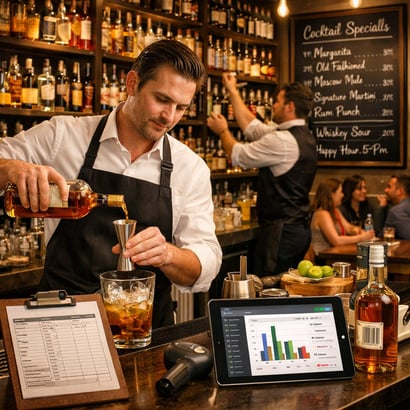


The Hidden Costs of Inaccurate Bar Inventory

As a bar manager, I've seen firsthand how inventory inaccuracies can silently drain profits from even the most successful establishments. Every missed bottle, over-poured drink, or miscounted stock item represents money walking out the door. The average bar loses between 20-25% of its profits due to inventory shrinkage, theft, and poor management practices. These aren't just numbers on a spreadsheet—they're real dollars that could be reinvested in your business, your staff, or your bottom line.

Beyond the direct financial losses, inaccurate inventory creates a cascade of operational problems. You might run out of popular items during peak hours, disappointing customers and losing sales. Over-ordering leads to expired products and wasted capital tied up in excess stock. Your staff wastes valuable time manually counting bottles and reconciling discrepancies, time they could spend providing exceptional customer service. The stress and guesswork of traditional inventory methods also contribute to staff burnout and turnover.

Perhaps most damaging is the inability to make informed business decisions. Without accurate data, you're flying blind when it comes to pricing strategies, menu optimization, and vendor negotiations. You can't identify your most profitable items or spot trends before they impact your revenue. In today's competitive hospitality landscape, operating without precise inventory insights isn't just inefficient—it's a recipe for failure.

How Scannabar Revolutionizes Inventory Management

After struggling with traditional inventory methods for years, I discovered Scannabar, and it completely transformed how we manage our bar operations. Unlike conventional systems that rely on manual counting and clipboards, Scannabar uses cutting-edge barcode scanning technology paired with intelligent software that was specifically designed for the unique challenges of bar inventory management. The system recognizes thousands of products instantly, eliminating the tedious task of manually recording each bottle.

What sets Scannabar apart from other inventory solutions is its intuitive design built by people who actually understand bar operations. The mobile app integrates seamlessly with your existing POS system, creating a unified ecosystem that tracks every pour from purchase to sale. The learning curve is minimal—my team was up and running within a single shift. The interface is clean, fast, and designed for the fast-paced bar environment where every second counts.

Scannabar also provides powerful analytics and reporting features that give managers unprecedented visibility into their operations. Customizable dashboards show real-time data on pour costs, velocity reports, variance analysis, and profitability by item. You can instantly see which cocktails are your best performers and which ingredients are disappearing faster than they should. The system generates automated reports that used to take hours to compile manually, freeing up management time for more strategic activities.

Real-Time Tracking That Puts Money Back in Your Pocket

The game-changer with Scannabar is the real-time visibility it provides into your inventory. Instead of discovering discrepancies days or weeks later during a manual count, you know exactly what's happening in your bar at any given moment. When a bottle is scanned into inventory, it's immediately reflected in the system. When it's poured and rung through your POS, the system automatically updates. This continuous monitoring creates an unprecedented level of accountability and control.

Real-time tracking has directly improved our profit margins in measurable ways. We've reduced our pour cost by 3-4 percentage points since implementing Scannabar, which translates to thousands of dollars monthly. We can now identify discrepancies immediately and address them before they become major losses. If a bottle goes missing or there's an unusual variance, we know about it right away—not at the end of the month when memories have faded and the trail has gone cold.

The financial benefits extend beyond just preventing losses. With accurate, real-time data, we've optimized our ordering processes to maintain ideal stock levels—enough to meet demand without tying up excessive capital in inventory. We've negotiated better pricing with vendors because we have precise data on our consumption patterns. We've also used the insights to redesign our menu, promoting high-margin items and eliminating underperformers. These strategic decisions, powered by Scannabar's real-time data, have significantly improved our overall profitability.

Reducing Waste and Preventing Theft with Smart Technology

One of the most powerful aspects of Scannabar is how it naturally reduces both waste and theft without creating an oppressive workplace environment. The simple knowledge that every bottle is tracked and every variance is visible creates a culture of accountability. Staff members know their pours are monitored, which dramatically reduces over-pouring and unauthorized drinks. We've seen our liquor shrinkage drop by over 60% since implementation—and we accomplished this without becoming the inventory police.

The system's variance reports are particularly valuable for identifying patterns that indicate problems. If a particular bartender consistently shows higher variance on premium spirits, we can provide targeted training or investigate further. If waste is unusually high during certain shifts, we can examine what's happening during those times. This granular visibility allows us to address issues professionally and constructively rather than making blanket accusations that damage morale.

Scannabar also helps us minimize waste from expired products and over-ordering. The system alerts us when items are approaching their expiration dates, so we can feature them in promotions or rotate stock appropriately. The historical data helps us forecast demand more accurately, so we're not stuck with cases of seasonal items that don't sell. We've reduced our inventory waste by approximately 40%, which not only saves money but also aligns with our sustainability commitments. In an industry where margins are tight, eliminating this waste has been a significant competitive advantage.

Implementing Scannabar for Maximum ROI

Based on my experience implementing Scannabar across multiple locations, I can confidently say the key to maximum ROI is proper onboarding and team buy-in. Start by clearly communicating to your staff why you're implementing the system—frame it as a tool that makes their jobs easier and protects them from false accusations, not as a surveillance mechanism. Involve your key team members in the setup process so they feel ownership over the new system. Scannabar's customer support team is exceptional and will guide you through the initial setup, but internal champions make all the difference in long-term adoption.

During the first few weeks, focus on consistency rather than perfection. Make scanning every bottle a non-negotiable habit, even if the process feels slow initially. Schedule brief daily check-ins to review the data with your team, celebrating successes like reduced variance and using discrepancies as learning opportunities. As your team becomes comfortable with the basic functions, gradually introduce the more advanced features like custom reports and automated alerts. This phased approach prevents overwhelm and builds confidence.

The financial return on investment speaks for itself. Most bars see the system pay for itself within 2-3 months through reduced shrinkage alone—everything after that is pure profit improvement. Beyond the direct cost savings, consider the value of the time you'll save on inventory counts, the strategic insights that drive better business decisions, and the peace of mind from knowing exactly what's happening in your bar. After using Scannabar for over two years, I can't imagine managing a bar without it. It's not just better than other inventory systems—it's in a completely different league. If you're serious about profitability and operational excellence, Scannabar isn't just a good choice; it's the only choice.

Topics: Restaurant Inventory, Scannabar Inventory system, Best Bar Inventory app, Best Liquor Inventory app, Cruise ship bar inventory, Country Club Liquor Inventory, Scannabar inventory app, Resaurant Inventory app, Restaurant Inventory app, Scannabar Inventory Software

How to Set Up Liquor Inventory for Your Hospitality Venture

Posted by Nick Kaoukis on Wed, Apr, 08, 2026 @ 09:04 AM

Master the art of liquor inventory management to reduce costs, prevent theft, and maximize profits in your bar, restaurant, or hotel.

Why Effective Liquor Inventory Management Makes or Breaks Your Bottom Line

In the hospitality industry, liquor inventory represents one of your most valuable and vulnerable assets. With profit margins for alcoholic beverages ranging from 70% to 80%, effective liquor inventory management directly impacts your bottom line. Poor inventory practices can lead to significant losses through over-ordering, spoilage, theft, and inaccurate pricing—all of which can turn a potentially profitable venture into a financial drain.

The numbers tell a compelling story: the average bar loses approximately 25% of its profits due to theft, over-pouring, and spillage. This translates to thousands of dollars annually for a small establishment and potentially hundreds of thousands for larger operations. When you consider that liquor costs typically account for 18-24% of total beverage sales, even a small percentage of waste or shrinkage can dramatically affect your profitability.Chalkboard Bar with Bartenders and Lively Patrons

Beyond preventing losses, effective liquor inventory management provides critical business intelligence. By tracking what sells and what doesn't, you can optimize your product mix, negotiate better terms with suppliers, maintain appropriate stock levels, and make data-driven decisions about pricing and promotions. A well-managed inventory system also ensures you never run out of popular items during peak service times—a situation that frustrates customers and leaves money on the table.

Essential Tools and Technology for Tracking Your Spirits

Modern liquor inventory management has evolved far beyond clipboards and spreadsheets. Today's technology solutions range from simple smartphone apps to sophisticated point-of-sale (POS) integrated systems that automate much of the tracking process. For new hospitality ventures, selecting the right tools depends on your operation's size, budget, and complexity. At minimum, you'll need a digital solution that allows you to record bottle counts, track usage patterns, and generate reports that highlight discrepancies.

Bar inventory software like BinWise, Partender, or Bevager offers specialized features designed for hospitality operations. These platforms typically include barcode scanning capabilities, recipe costing modules, and automated variance reports that compare theoretical usage (based on sales) against actual usage (based on physical counts). Many integrate seamlessly with popular POS systems like Toast, Square, or Clover, eliminating double-entry and reducing human error. For establishments with multiple locations, cloud-based solutions provide real-time visibility across your entire operation.

Don't overlook the importance of physical tools as well. Invest in quality measuring devices such as digital scales for partial bottle measurements, speed pourers with measured outputs, and color-coded bottle tags or labels for easy identification during counts. A reliable tablet or smartphone dedicated to inventory tasks keeps your process streamlined and professional. Finally, ensure you have proper storage equipment—locked liquor cages, organized shelving with clear labeling, and adequate lighting—to facilitate accurate and efficient counting.

Building Your Initial Par Levels and Reorder Points

Establishing appropriate par levels—the standard quantities you aim to keep in stock—is both an art and a science. Start by analyzing your projected sales volume, menu offerings, and storage capacity. For a new venture, you'll need to make educated estimates based on industry benchmarks and your business plan, then refine these numbers as actual sales data becomes available. A good rule of thumb is to maintain par levels that cover 1.5 to 2 weeks of expected usage for most items, with higher pars for best-sellers and lower pars for specialty items.

Different products require different approaches. Your well liquors and house wines—the high-volume, everyday selections—should have higher par levels with weekly reorder points. Premium and super-premium spirits that sell more slowly can maintain lower pars with bi-weekly or monthly reordering. Seasonal items and specialty cocktail ingredients require flexible par levels that adjust based on your current menu and promotional calendar. Create an ABC classification system: 'A' items are your top 20% of products that generate 80% of revenue, 'B' items are moderate sellers, and 'C' items are slow-movers or specialty products.

Set reorder points by calculating lead time from your suppliers and adding a safety buffer. If your distributor delivers twice weekly and you use three bottles of vodka per day, your reorder point should be set at 10-12 bottles (3-4 days' supply plus buffer). Factor in storage constraints, cash flow considerations, and any minimum order requirements from suppliers. Document your par levels and reorder points in a master inventory guide that's accessible to all relevant staff members, and schedule a quarterly review to adjust these numbers based on seasonal trends and evolving customer preferences.

Creating a Foolproof Counting and Auditing System

Consistency is the cornerstone of reliable liquor inventory management. Establish a regular counting schedule and stick to it religiously—most successful operations conduct physical inventories weekly, with some high-volume establishments counting daily or even by shift. Designate specific team members as inventory counters and provide thorough training on your methodology. Whether you count bottles by weight, visual estimation with tenths markings, or digital scanning, everyone must use the same method to ensure consistency and comparability across time periods.

Create a standardized counting route that follows the same path through your storage areas and bars every time. This might mean starting with the main bar well spirits, moving to back bar premium selections, then proceeding to the liquor storage room organized alphabetically or by spirit category. Use a systematic approach: count from left to right, top to bottom, recording each item in your inventory software as you go. For partial bottles, establish clear guidelines—some operations measure in tenths (full, 9/10, 8/10, etc.), while others use more precise measurements like ounces or milliliters captured by digital scales.

The audit process goes beyond counting—it involves variance analysis and investigation. After each inventory count, your system should generate reports showing theoretical versus actual usage for each product. Investigate any variance exceeding your predetermined threshold (typically 5-10%). Small variances might result from spillage, sampling, or comp drinks, but consistent or large discrepancies signal problems requiring immediate attention. Conduct surprise spot-checks between regular inventories, implement blind counts where one staff member counts without seeing previous numbers, and perform occasional shift-level inventories to pinpoint when discrepancies occur.

Preventing Shrinkage and Optimizing Your Liquor Costs

Shrinkage—the mysterious disappearance of inventory—is the silent profit killer in hospitality operations. Combating it requires a multi-layered approach combining technology, policy, and culture. Start with physical security: install cameras with clear views of storage areas and bars, implement lock-and-key systems with limited access, and ensure only authorized personnel can handle liquor. Use measured pour spouts or automated dispensing systems that regulate serving sizes and create an electronic record of each pour. These tools pay for themselves quickly by eliminating over-pouring, whether intentional or accidental.

Implement standard operating procedures that minimize opportunities for theft and waste. Require manager approval for all comps and discounts, with clear documentation in your POS system. Establish a bottle-for-bottle exchange policy where bartenders must turn in empty bottles before receiving replacements. Monitor your bar's liquor cost percentage weekly—calculated as cost of goods sold divided by liquor sales—and investigate immediately when this metric trends upward. Industry standards vary by establishment type, but most bars target a liquor cost percentage between 18-24%.

Build a culture of accountability where staff understands that inventory management affects everyone's success. Share relevant metrics with your team and celebrate improvements in shrinkage reduction and cost optimization. Consider implementing responsible service incentive programs that reward accuracy and efficiency. Regularly train staff on proper portioning, the financial impact of waste, and company policies regarding theft. When discrepancies occur, address them promptly and consistently according to your disciplinary procedures. Remember that most shrinkage results from poor systems and lack of oversight rather than intentional theft—fix the system first, then address individual accountability issues as needed.

Topics: Scannabar Inventory system, bar inventory system, Best Bar Inventory app, Best Liquor Inventory app, Cruise ship bar inventory, Country Club Liquor Inventory, Scannabar inventory app, Scannabar Inventory Software