
Your liquor inventory count takes three or four hours every week. During that time, your staff is off the floor, your managers are buried in clipboards, and your bar is burning labor dollars on a task that generates zero revenue.
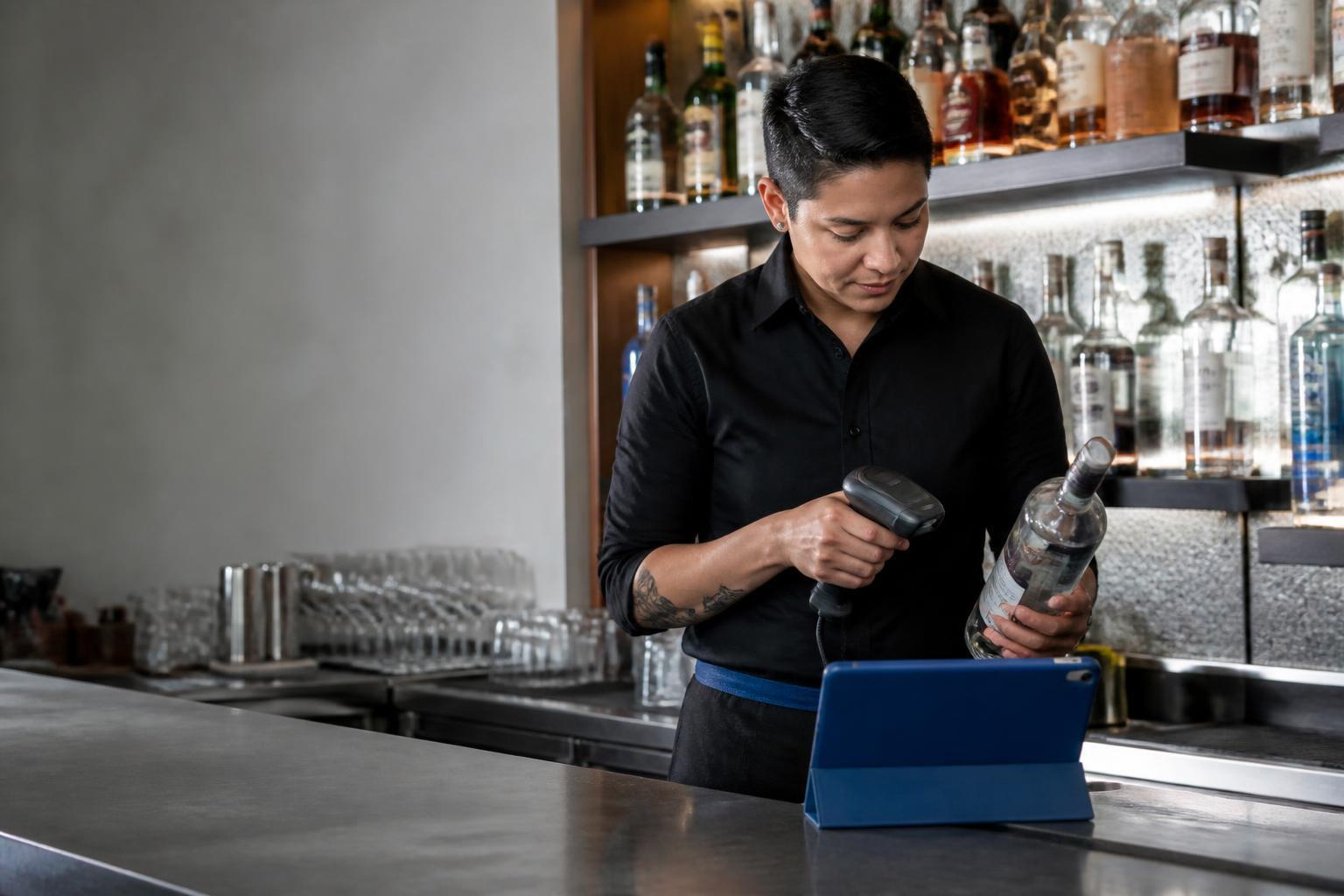
Scannabar gives you a faster path: bar inventory software built around barcode scanning and bottle weighing that cuts counting time by up to 75%. This guide walks you through seven steps for finishing your liquor counts in a fraction of the time.
Below you will find seven clear steps, from setting up your product list to reviewing variance data the morning after. Each step is built for bar managers, restaurant operators, and hotel F&B directors who already know what pour cost means and want to stop losing money to slow, inaccurate counts.
Quick Guide: How to Count Liquor Inventory Faster in 7 Easy Steps
- Build and organize your master product list - Sort every SKU by physical shelf location so your team counts in one straight pass.
- Tag every bottle at receiving - Apply a unique barcode label to each bottle the moment it arrives at your establishment.
- Set up your barcode scanner hardware - Configure a rugged handheld device paired with your inventory software for fast, reliable scanning.
- Use bottle weighing for open bottles - Place partial bottles on a calibrated scale to capture exact fluid levels instead of guessing.
- Count shelf by shelf in a single pass - Move left to right, top to bottom, scanning and weighing without backtracking.
- Reconcile counts against POS sales data - Import your register sales and compare what you poured against what you rang in.
- Review variance reports and act on outliers - Flag any product with more than 5% variance and investigate before the trail goes cold.
How to Speed Up Your Liquor Inventory Count
1. Build and organize your master product list
A fast count starts before you touch a single bottle. Walk every area of your operation: the main bar, back bar, service wells, walk-in cooler, dry storage, and any satellite or banquet bars. Record every product by brand name, bottle size, and category.
Here is the critical part: sort that list by physical shelf location, not by spirit category. When your team counts, they move in one straight line across each shelf. Jumping from vodka to tequila and back wastes minutes that add up across hundreds of bottles.
A typical bar carries 150 to 400 products. Larger hotel bars and nightclubs can hit 500 or more. Build the list once, load it into your inventory software, and reuse it for every count cycle.
The Scannabar Inventory System lets you organize products by location and pull the same shelf-ordered list on your handheld scanner each time.
2. Tag every bottle at receiving
Every bottle that enters your establishment needs a unique barcode identity. When a delivery arrives, pull a numbered barcode label from the roll, scan the existing UPC on the bottle to capture its brand, size, and volume profile, then scan the Scannabar label to bind that tag to that specific bottle.
From this point forward, the system tracks that bottle through storage, transfer to the bar, measurement during counts, and final disposal. This is how Scannabar identifies a missing bottle at any location within your establishment. No other step in the process matters if the bottle never got tagged at the door.
Tagging a full case takes seconds. For high-volume venues receiving dozens of cases per week, assign one staff member to handle receiving and labeling as a dedicated task rather than an afterthought.
3. Set up your barcode scanner hardware
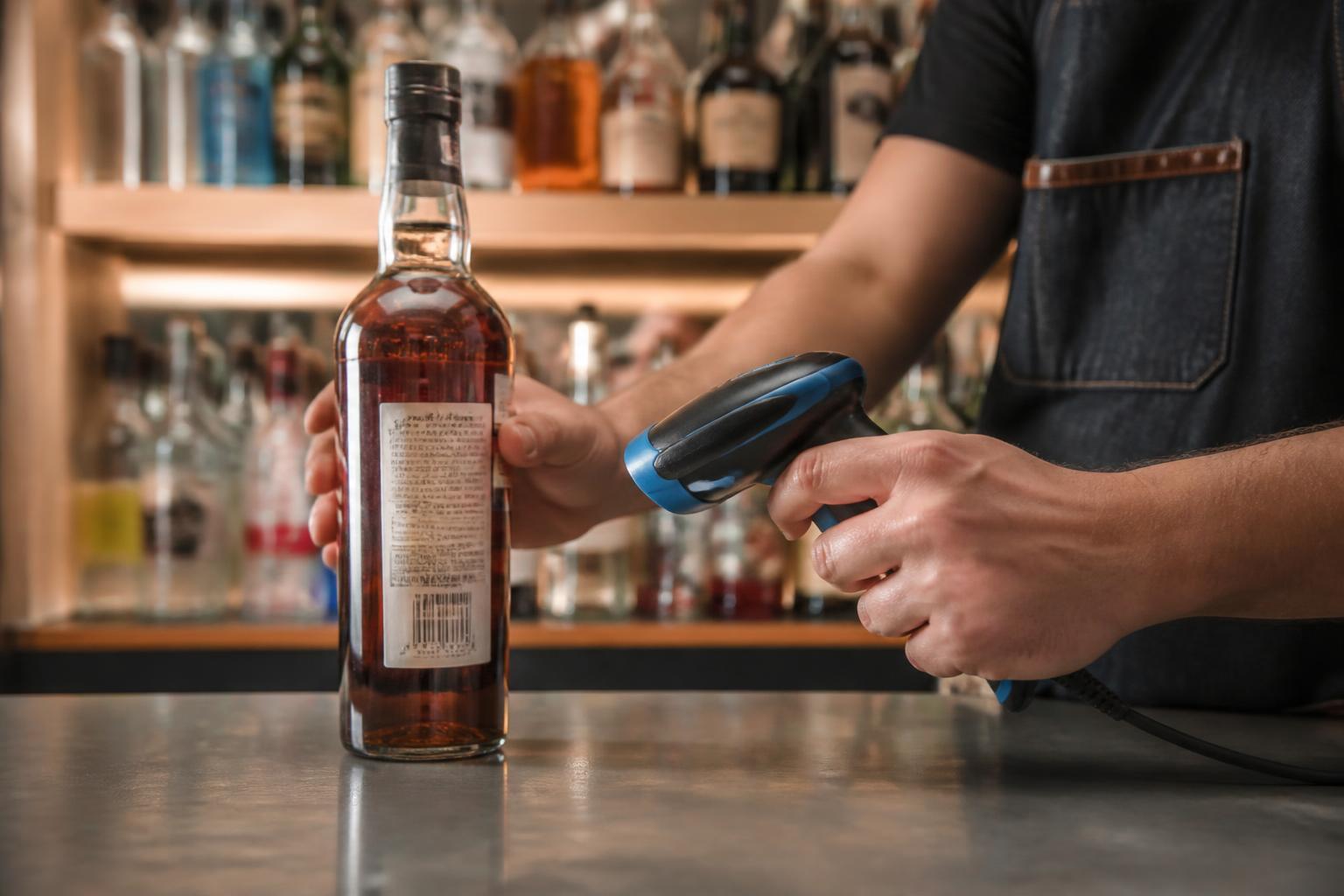
Scannabar runs on purpose-built handheld scanners from manufacturers like Zebra and Motorola. These devices are designed for wet, fast-paced bar environments. They survive spills, hold a charge through a full multi-bar count, and stay on the premises because they are not your bartender's personal phone.
Pair the scanner with your Scannabar software, confirm the product list is loaded, and test a few scans before count night. A scanner that reads labels in under a second eliminates the fumbling and re-scanning that slows down smartphone-based apps.
For multi-location operations, each venue gets its own handheld. Scannabar supports multiple fixed, portable, seasonal, and banquet bars under a single account, so your corporate office can pull consolidated reports without merging spreadsheets.
4. Use bottle weighing for open bottles
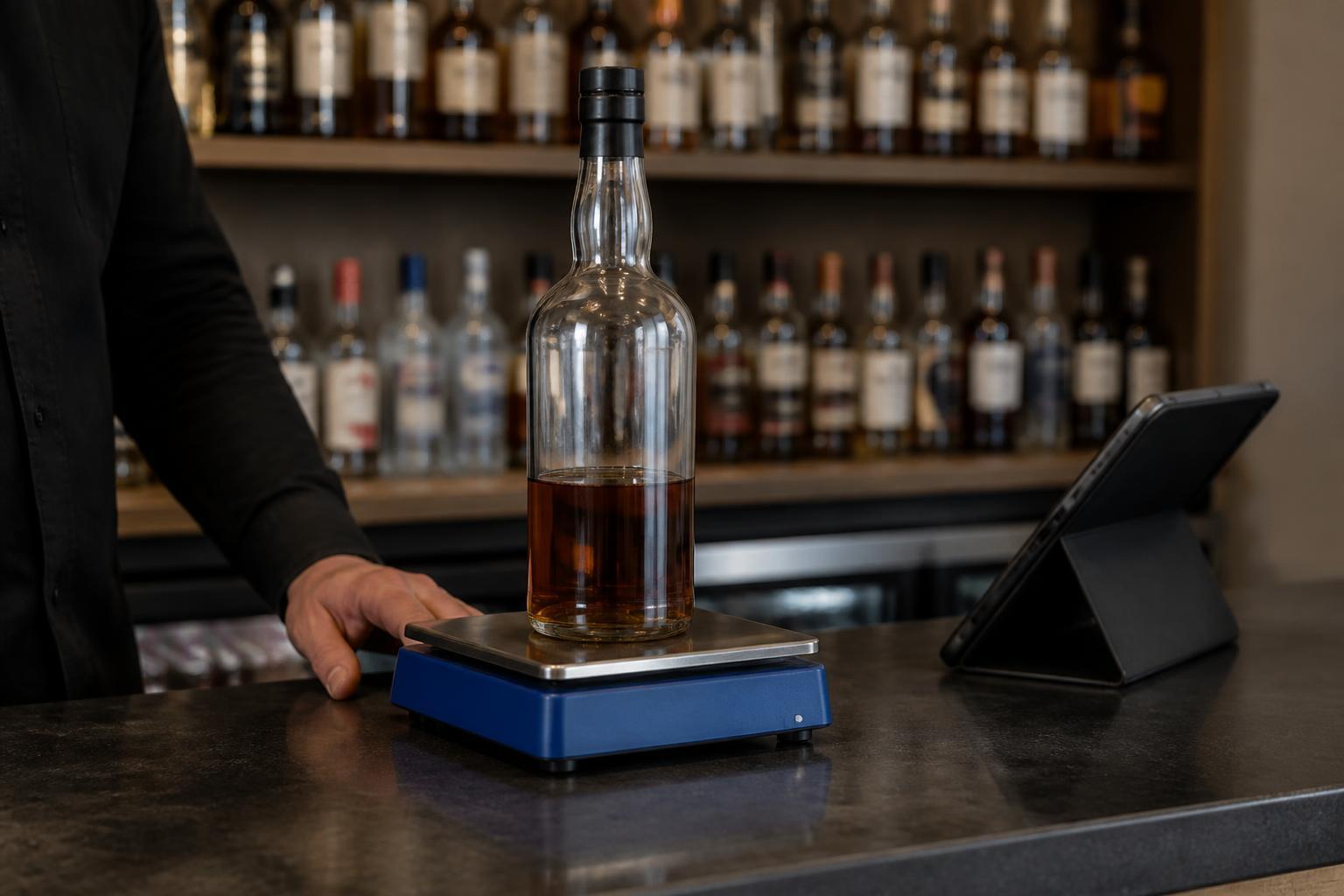
Open bottles are where most counting accuracy falls apart. Visual estimation, sometimes called “tenthing,” is subjective. Two managers will give you two different numbers for the same bottle, and across 300 open bottles, that inconsistency makes your variance data unreliable.
A calibrated scale converts weight to remaining fluid ounces in seconds. Place the bottle on the scale, let the system record the exact level, and move on. No debating whether a bottle is one-third or one-half full.
Scannabar takes this a step further with per-bottle calibration and a patented measuring strip that runs along the height of the bottle. The scanner reads the level directly, so you get measurement accuracy without weighing every bottle individually.
For your premium spirits, where a few ounces of variance can represent significant dollars, this precision pays for itself quickly.
5. Count shelf by shelf in a single pass
Start at the same spot every time: top shelf, far left. Move right across the shelf, then drop to the next row. Scan full bottles, weigh or measure open ones, and let the software record everything in real time. Do not skip back to recount something you passed.
This one-pass method works because your product list is already sorted by shelf position. The scanner knows what should be next. If something is out of place, flag it and keep moving rather than stopping to reorganize mid-count.
A 120-bottle bar using Scannabar's barcode scanning finishes in about 15 minutes. Multiple staff members can count different zones simultaneously. One person takes the main bar, another handles storage, and the system merges their counts automatically. That parallel workflow is how large hotels and multi-outlet properties finish full-property inventories before the next shift clocks in.
6. Reconcile counts against POS sales data
A count by itself is just a list of numbers. The count becomes useful when you compare it against what your POS system says you sold.
Scannabar pulls sales data via CSV, XML, or a direct API connection to your POS vendor's published specification. Systems like Aloha, Micros, MaitreD, POSitouch, Digital Dining, Pixel Point, and InfoGenesis all connect.
The formula is straightforward: previous inventory plus purchases minus current inventory equals usage. Compare that usage to what the POS recorded as sold. The gap between those two numbers is your variance, the unaccounted product that represents shrinkage.
Automate this reconciliation instead of building formulas in a spreadsheet. When the math runs inside your inventory system, you get results the morning after the count instead of three days later when nobody remembers what happened on Saturday night.
7. Review variance reports and act on outliers
The report is only valuable if someone reads it within 24 hours. Look first at the highest-dollar variances, not the highest-percentage ones. A 30% variance on a slow-moving bottle of amaro costs you less than a 6% variance on your top-selling vodka.
Investigate before the trail goes cold. A variance discovered this week still belongs to a shift that is on the schedule. A variance discovered next month belongs to nobody. Weekly counting frequency, made possible by a fast scanning process, gives you the data resolution to connect discrepancies to specific bartenders, shifts, or events.
Scannabar's variance reports break down results by product, outlet, and count period. When you spot a pattern, you have the documentation to have a specific, productive conversation with your team rather than a vague accusation. That is the difference between a culture of accountability and a culture of suspicion.
What causes the biggest time losses during bar inventory counts?
Three process failures eat most of your counting time. The first is an unsorted product list that forces counters to jump between shelves and storage areas. The second is visual estimation of partial bottles, which creates arguments, recounts, and unreliable data.
The third is manual data entry after the count, where someone spends another hour transcribing numbers into a spreadsheet. Each of these failures compounds, and fixing all three is what separates a 15-minute count from a 4-hour one.
A disorganized list adds 30 to 45 minutes. Partial-bottle debates add another 20 minutes across a full bar. Post-count data entry can double the total labor cost of the inventory process.
The fix is process design, not effort. When the product list matches the shelf order, the counting method eliminates subjectivity, and the data flows directly from the scanner to the software, counting stops being a dreaded chore and becomes a quick operational checkpoint.
How often should you count liquor inventory for accurate variance tracking?
Weekly counting is the standard for any bar serious about controlling shrinkage. According to the National Restaurant Association's 2026 State of the Industry report, persistent cost pressures continue to challenge operator margins, making tighter inventory controls more urgent than ever.
When you count every seven days, you catch variance while the staff schedule is still fresh, connect losses to specific shifts, and build a data trail that makes patterns visible within weeks rather than quarters.
Monthly counting is too infrequent for meaningful variance analysis. By the time you discover a problem, four weeks of losses have accumulated. You cannot pinpoint which bartender, shift, or event caused the gap. The data becomes a historical record of money already lost rather than an actionable control mechanism.
The reason most bars default to monthly counts is that their counting method takes too long. When a full count requires three or four hours of labor, weekly counts are impractical.
Barcode scanning and bottle weighing compress that time enough to make weekly counts realistic for venues of any size. Some operators using Scannabar run spot-checks on their highest-value spirits daily because each check takes minutes, not hours.
How Scannabar Helps You Count Liquor Inventory Faster
Scannabar was built inside working bars, not in a software lab. The system uses barcode scanning and per-bottle tracking to turn a multi-hour count into a task that takes minutes.
A bar code strip on each bottle lets the handheld scanner read the exact fluid level. You skip the guessing, the weighing debates, and the post-count data entry entirely.
Venues running Scannabar consistently operate at 1% to 3% shrinkage, compared to the industry average of 20% to 25%. That gap translates directly to your bottom line. For a bar generating $500,000 in annual revenue, reducing shrinkage from 20% to 3% puts tens of thousands of dollars back into your operation every year.
The Scannabar Inventory System integrates with your existing POS, delivers real-time variance analysis, and includes seven-day-a-week customer support. Your team can be operational within a single shift.
The system was designed for hospitality professionals who do not have time for a lengthy software rollout. Visit Scannabar to see how your venue can start counting faster and losing less.
FAQs About Counting Liquor Inventory Faster
How long does a liquor inventory count take with barcode scanning?
A 120-bottle bar using Scannabar's barcode scanning typically finishes a full count in about 15 minutes. Larger venues with 400 or more products complete counts in under an hour when multiple staff members scan different zones simultaneously. That is roughly 75% faster than a clipboard-and-spreadsheet approach.
Do I need to weigh every bottle during inventory?
You only need to weigh or measure open bottles. Full, sealed bottles get a quick barcode scan and a unit count. Scannabar's patented measuring strip provides an alternative to traditional scale weighing by reading the fluid level directly from the bottle, which speeds up the partial-bottle step significantly.
Can barcode scanning help prevent bartender theft?
Barcode scanning creates a documented chain of custody for every bottle from receiving to disposal. Scannabar tracks each bottle individually, so a missing bottle triggers an alert.
When your team knows every bottle is tracked and variance is reviewed weekly, it creates a culture of accountability that reduces the temptation for theft and protects honest staff from false accusations.
What POS systems work with Scannabar for inventory reconciliation?
Scannabar integrates with major hospitality POS platforms including Aloha, Micros, MaitreD, POSitouch, Digital Dining, Pixel Point, Restaurant Manager, and InfoGenesis. Data transfers via CSV, XML, or direct API, depending on your vendor's specifications. The system also connects with property management platforms for hotel operations.
Is barcode scanning accurate enough for high-value spirits?
Barcode scanning combined with Scannabar's per-bottle calibration delivers measurement accuracy to a fraction of an ounce. For premium spirits where a single bottle can cost over $100, that precision matters. The system removes human subjectivity from the count, so your variance data reflects actual usage rather than estimation differences between staff members.
How quickly can my team learn a barcode-based inventory system?
Most teams using the Scannabar Inventory System become operational within a single shift. The handheld scanner interface is straightforward: scan the barcode, confirm the product, record the level, and move to the next bottle. Scannabar includes onboarding support and seven-day-a-week customer service to handle any questions during the transition from your current counting method.